
Beer Menu Design: How to Build a Tap List That Sells
By Brian Winckel · Founder, Brewlytics.ai
Short Answer
To design a beer menu that sells, build the tap list as fixed rows with the same five fields on every line (style, brewery or origin, ABV, pour sizes and price) plus one plain flavor line. Keep one sort order, highlight one or two beers at most, and list only what you can sell while it is fresh. Put the essentials on a visible wall or table menu, use a QR page for extra detail, and show when the list was last updated.
Barley's Take
Your hop bill is fascinating. Your guest wants to know if it tastes like grapefruit and costs seven bucks.
Why This Matters for Breweries
A food menu changes a few times a year. Your tap list changes mid-shift. The Hazy IPA kicks at 7 p.m. on a Friday, the guest pilsner you swapped in has a different ABV and price, and the oatmeal stout from last month is still printed on the table cards. Most menu templates are built for the first case and fail at the second.
Beer menu design is the work of laying out that list so a guest can scan it in seconds, the beers you want to sell look like the obvious pick, and a kicked keg takes one edit. Fonts and borders matter less than structure, wording and how fast the list can change.
Every question the menu answers is one fewer interruption for your bartender during a rush. Every question it leaves open becomes a guest ordering the beer they already know, or the cheapest one, or whatever the person beside them is drinking.
How It Works
Start with the guest you're designing for
Before you pick a template, decide who's standing at your bar. Three types of guest cover most taproom traffic:
- The value seeker wants pour size and price fast. Give them a clean, aligned column.
- The freshness seeker wants to know what just tapped. Give new releases a marker and a date.
- The adventurer wants something they haven't had. Give them flavor cues and a line on what makes the beer unusual.
You can serve all three, but one should lead. A neighborhood brewery full of regulars leans on freshness. A destination brewery full of tourists leans on adventure and clear pricing.
Build fixed rows with five fields
Design every line as a slot with the same fields in the same columns. These five answer what guests ask before they order:
- Style (hazy IPA, pilsner, oatmeal stout)
- Brewery or origin (essential for guest taps and collaborations)
- ABV
- Pour sizes
- Price per pour
Add a sixth, a short flavor cue, and the row looks like this. The beers and prices are made-up placeholders:
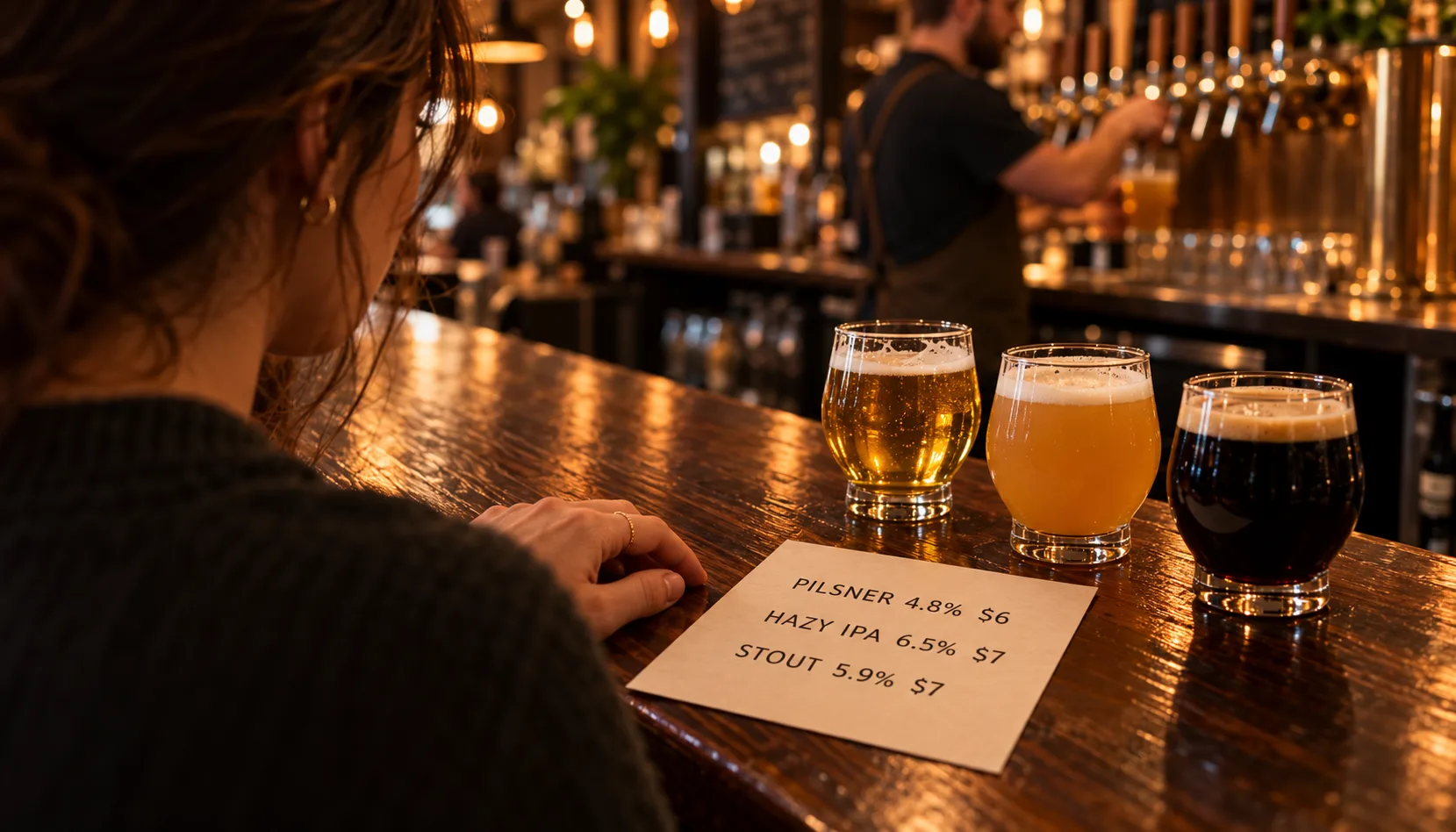
| Tap | Beer | Style | ABV | Pours | Flavor cue |
|---|---|---|---|---|---|
| 1 | Harbor Light | Pilsner | 4.8% | 12 oz $6 / 16 oz $7 | Crisp, bready, clean finish |
| 2 | Porch Hazy | Hazy IPA | 6.5% | 12 oz $7 / 16 oz $8 | Ripe peach, soft, juicy |
| 3 | Night Shift | Oatmeal stout | 5.9% | 12 oz $7 / 16 oz $8 | Roast, cocoa, silky |
A guest can run a finger down one column to compare ABV or price, and you can replace row 2 without touching rows 1 and 3.
Pick one sort order and keep it
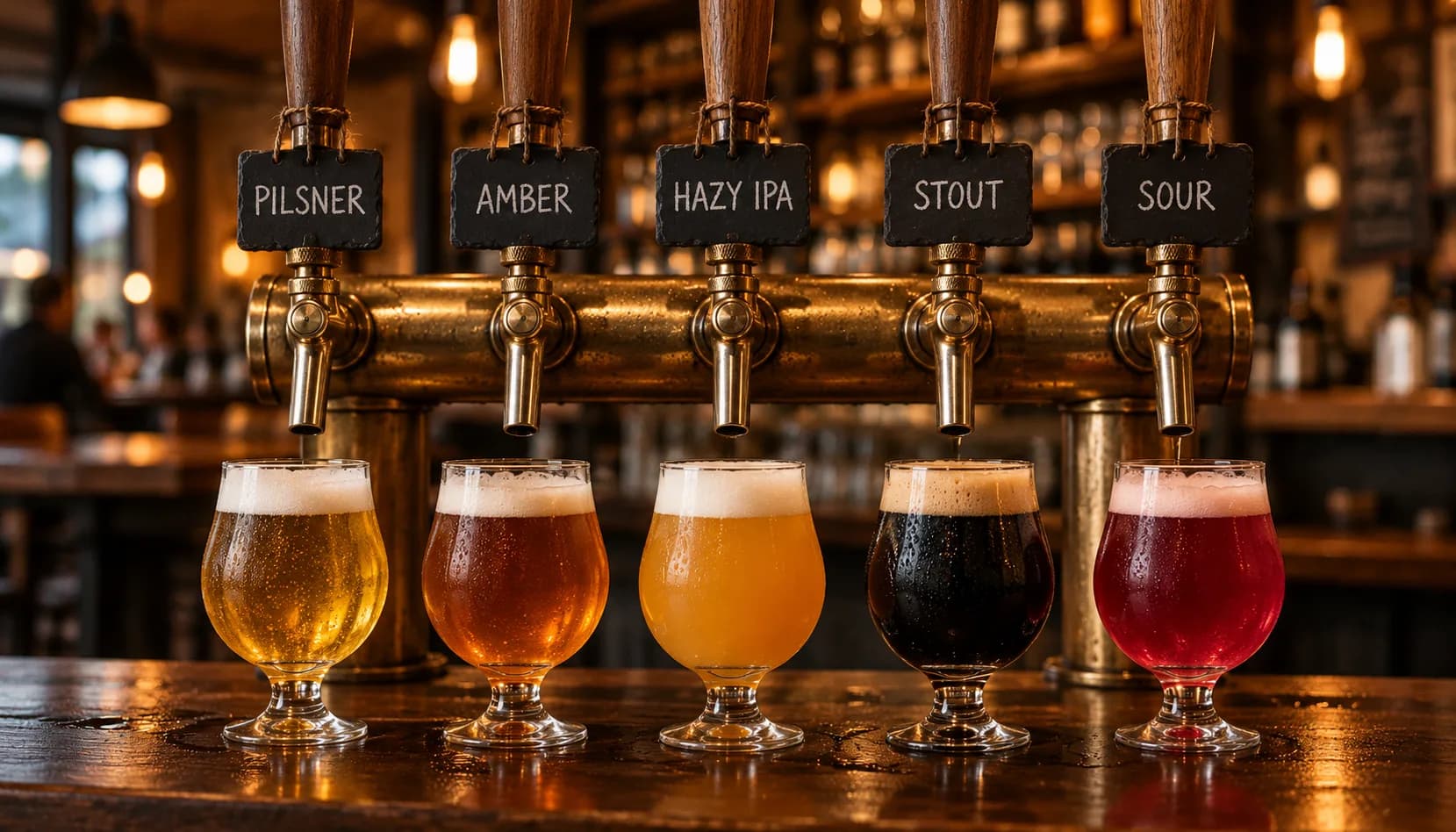
How you sort the list tells guests where to look:
- By style family (lagers, hoppy ales, dark beers, sours). Best for lists of eight or more.
- By tap number. Best for small bars where staff and regulars talk in tap numbers.
- Lightest to boldest. Best for newer craft drinkers, because the order doubles as a guide.
- Newest first. Best for regulars who come in weekly.
Then use position on purpose. A study of beverage menus in hotel restaurants found that putting profitable items in prominent spots sold better than an unstructured list. That was hotels, not taprooms, so treat it as a hint worth testing: your flagship and your best-margin house beers belong in the most visible rows, not at the bottom under the guest taps.
Highlight sparingly. A banner works because it's rare. If four beers are boxed, none of them are. Pick one or two: the new release, the beer you need to move, or the one about to run out.
Write flavor, not jargon
The Brewers Association advises operators to talk flavor rather than jargon, noting that most guests care little about technical detail beyond alcohol content. One short line per beer, in words the guest would use:
| Instead of | Try |
|---|---|
| Late-addition Citra and Mosaic, 45 IBU | Grapefruit, mango, soft finish |
| Munich and Vienna malt, noble hops | Crisp, bready, easy drinking |
| Roasted barley, lactose | Roast, chocolate, creamy |
If your brewers want hop details on record, put them on a second line in smaller type or on the QR page. Avoid "hoppy" or "bitter" on their own; pair them with a cue, as in hoppy and tropical, or bitter and piney. And always show ABV. It's the one number nearly everyone checks.
Keep the list short enough to stay fresh
Twenty-four taps look generous and can be a liability. The Brewers Association's portfolio guidance warns against a stagnant list of everything you've ever brewed, because slower-moving breweries with big lists risk stale beer. Cap the list at what you can sell in a few weeks, retire slow sellers early rather than discounting old kegs, and give a non-alcoholic beer or cider a real row instead of a footnote.
Choose the format: print, TV or QR
| Format | Strengths | Weak spots |
|---|---|---|
| Chalkboard | Personality, easy edits | Hard to fit ABV, pours and price cleanly |
| Printed menu | Works at tables, no screens | Goes stale unless you reprint |
| TV board | Visible from the line, quick to update | Glare, small text at a distance |
| QR menu | Room for detail, guests browse at their own pace | Needs a phone and signal |
Most taprooms end up with two. Put the essentials somewhere visible and use the QR page for full descriptions, allergens and what's tapping next. Whatever you use, show when it was last updated. Our digital beer menu software guide covers the tools that keep screens and paper in sync.
Example Brewery Scenario

Ridgeline Brewing runs 14 taps on Square, with two guest lines. Its menu was a chalkboard behind the bar plus laminated table cards that were reprinted whenever someone remembered. On a busy Saturday the cards still listed a Cold IPA that had kicked on Wednesday, and bartenders spent the rush answering "what's the ABV on the red?"
The owner and the taproom manager rebuilt it on a Tuesday morning. They chose freshness as the lead, since most of their traffic is regulars, and sorted newest first. Every row got the five fields plus one flavor line, so "Simcoe and Amarillo, 60 IBU" became "pine, orange peel, dry finish." They highlighted one beer, the new Mexican Lager, cut the list to the 11 beers that sell through in under three weeks, and gave their house root beer a row.
Then they handed the new card to a friend who had never visited and asked her to choose in 30 seconds. She hesitated at the sours, which had no flavor cue, so they added "tart cherry, light" before printing.
For the next three weeks a bartender kept a tally by the register. The "what does this taste like" questions were the first thing to drop, and the Mexican Lager outsold the old flagship two Saturdays running. One taproom proves nothing on its own, but every redesign should run the same before-and-after comparison.
Practical Checklist
Give it an hour with your tap list in front of you:
- Pick your lead guest: value, freshness or adventure.
- Set the row template: style, brewery or origin, ABV, pour sizes, price, flavor cue.
- Choose a sort order and keep it for every update.
- Write one flavor line per beer in plain words. Move IBUs and hop bills off the main line.
- Highlight one or two beers, not five.
- Cap the list at what you can sell while it's fresh.
- Add a non-alcoholic or alternative row.
- Add a last-updated date to every format.
- Test it on a stranger. Ask someone who has never visited to choose in 30 seconds and watch where they stall.
- Brief your staff so what they say matches what's printed.
Then measure for two to four weeks: how often guests ask what a beer tastes like or what the ABV is, the share of sales from the beers you highlighted, how many guests order a flight or a second style, and how fast the line clears at peak. Most of it comes from your POS; the questions need a tally sheet. For where the menu fits in your wider marketing, see the brewery marketing complete guide.
How Brewlytics Helps
A well-designed menu helps a guest read your list. It doesn't help them choose from it, and it goes stale the moment a keg kicks. Brewlytics works on both problems.
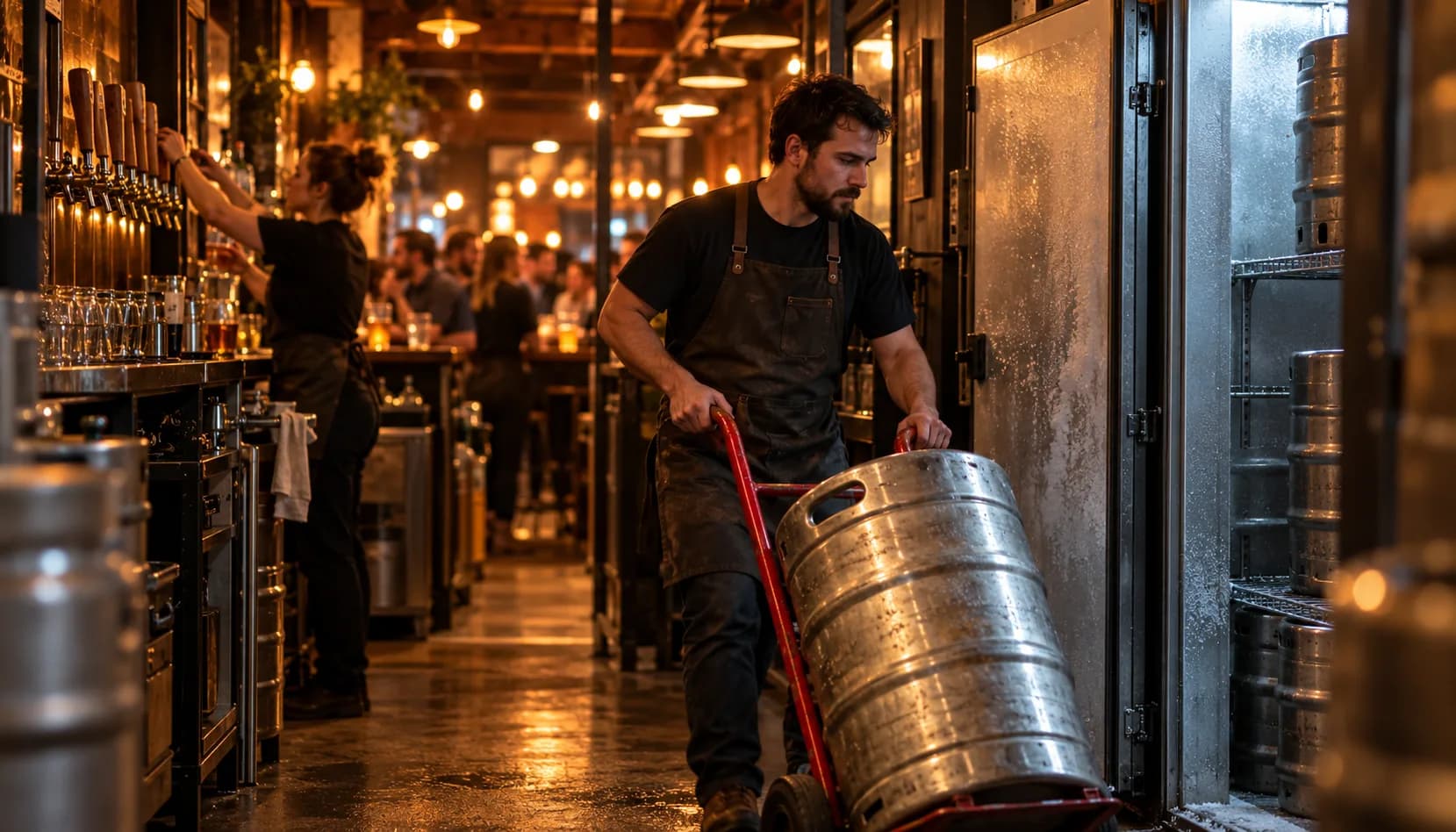
- POS Sync reads your Square catalog, so when you tap a new beer or 86 a keg, the change follows to your screens on its own.
- Taproom menus run TV displays that cache offline, so a Wi-Fi drop doesn't blank the board, and print letter-size menus from the same live tap list, so a menu printed at 7 p.m. includes the keg tapped at 6.
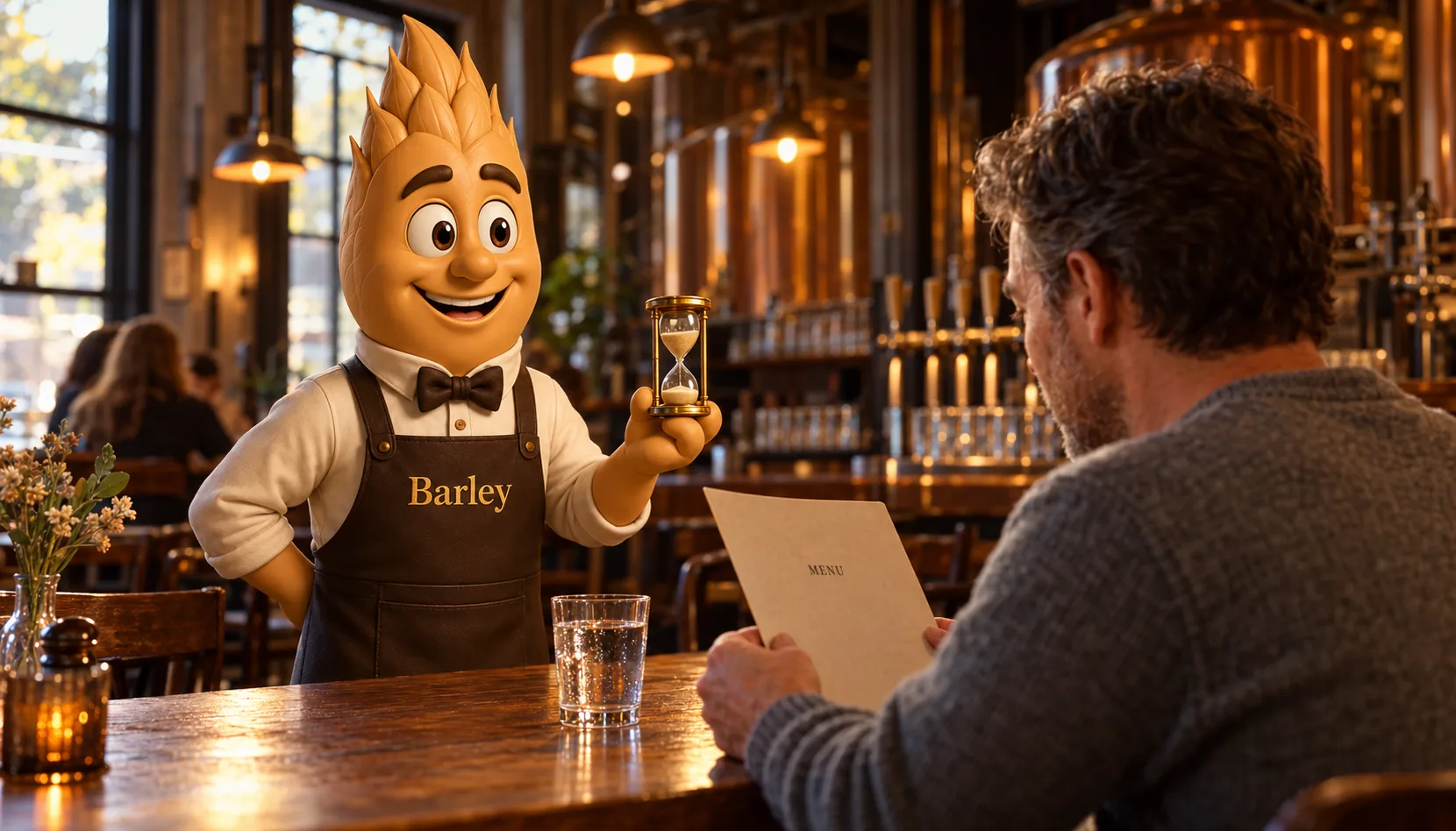
- Barley, the AI bartender, reads your live tap list and suggests the beers on it that fit each guest's taste, matched through the Beer Taste Genome's 30 flavor dimensions. A guest gets a first pick without signing up.
- Customer taste profiles show which styles your guests actually drink, which tells you what deserves a highlight next week.
Digital menus and TV displays come with Pro, at $99 a month plus $0.20 per active customer; the Free plan is $0. Details are on pricing.
FAQ
See the schema-ready FAQ block at the end of the page for the full set.
Ready to build a tap list that keeps up?
A menu that's right at 7 p.m. and points each guest to a beer they'll like does more than any font choice. See how it works on the For Breweries page, or book a walkthrough and we'll set up your live tap list with you.
Frequently asked questions
Related Brewlytics Feature
POS Sync
Continuous sync between your POS and the Brewlytics customer graph.
See how it works →Keep reading
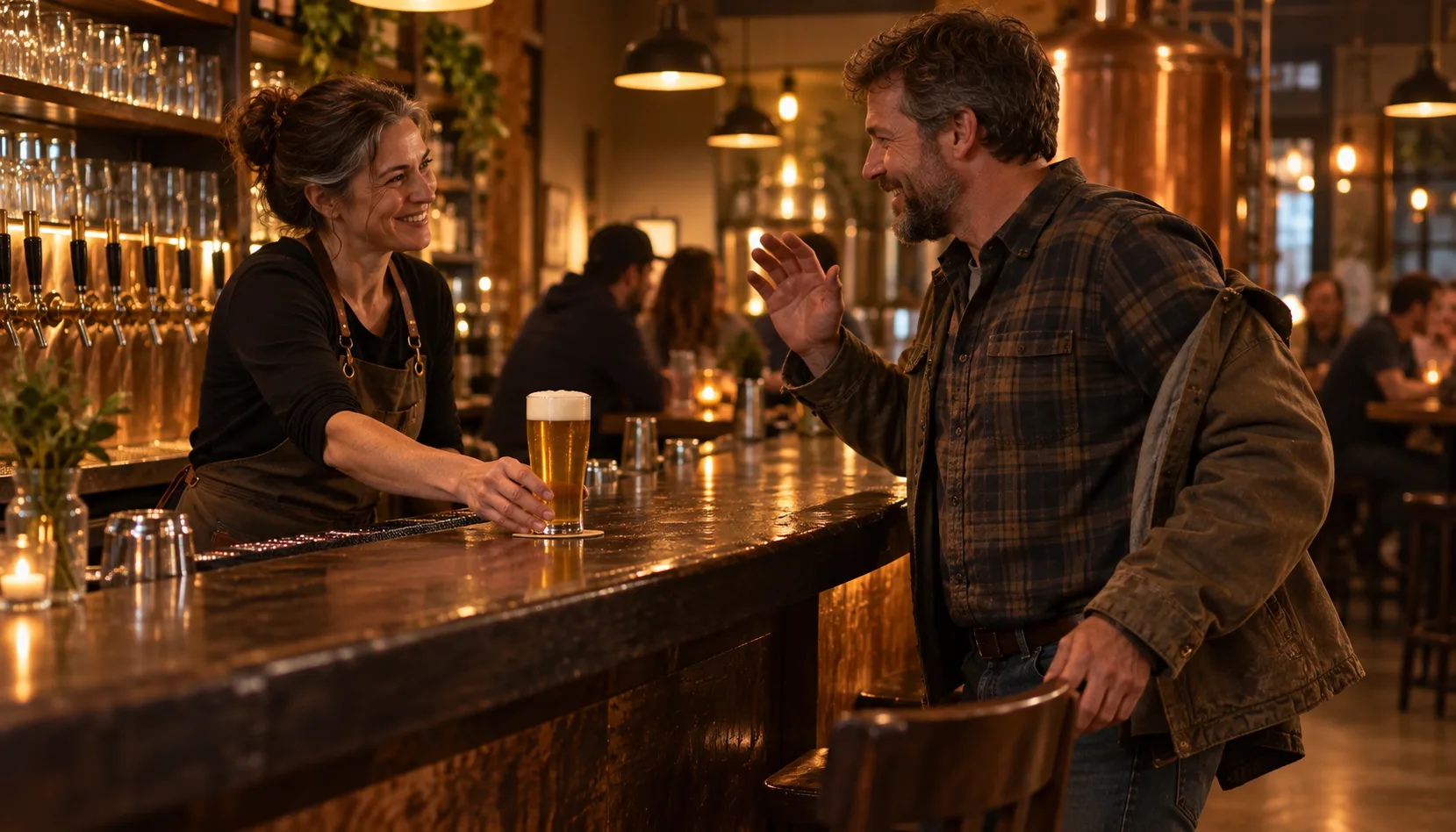
Why the Best Brewery Experiences Feel Personal
Guests return to the brewery where someone remembers their pilsner. Why recognition beats any loyalty algorithm, and which parts of it AI can and can't scale.
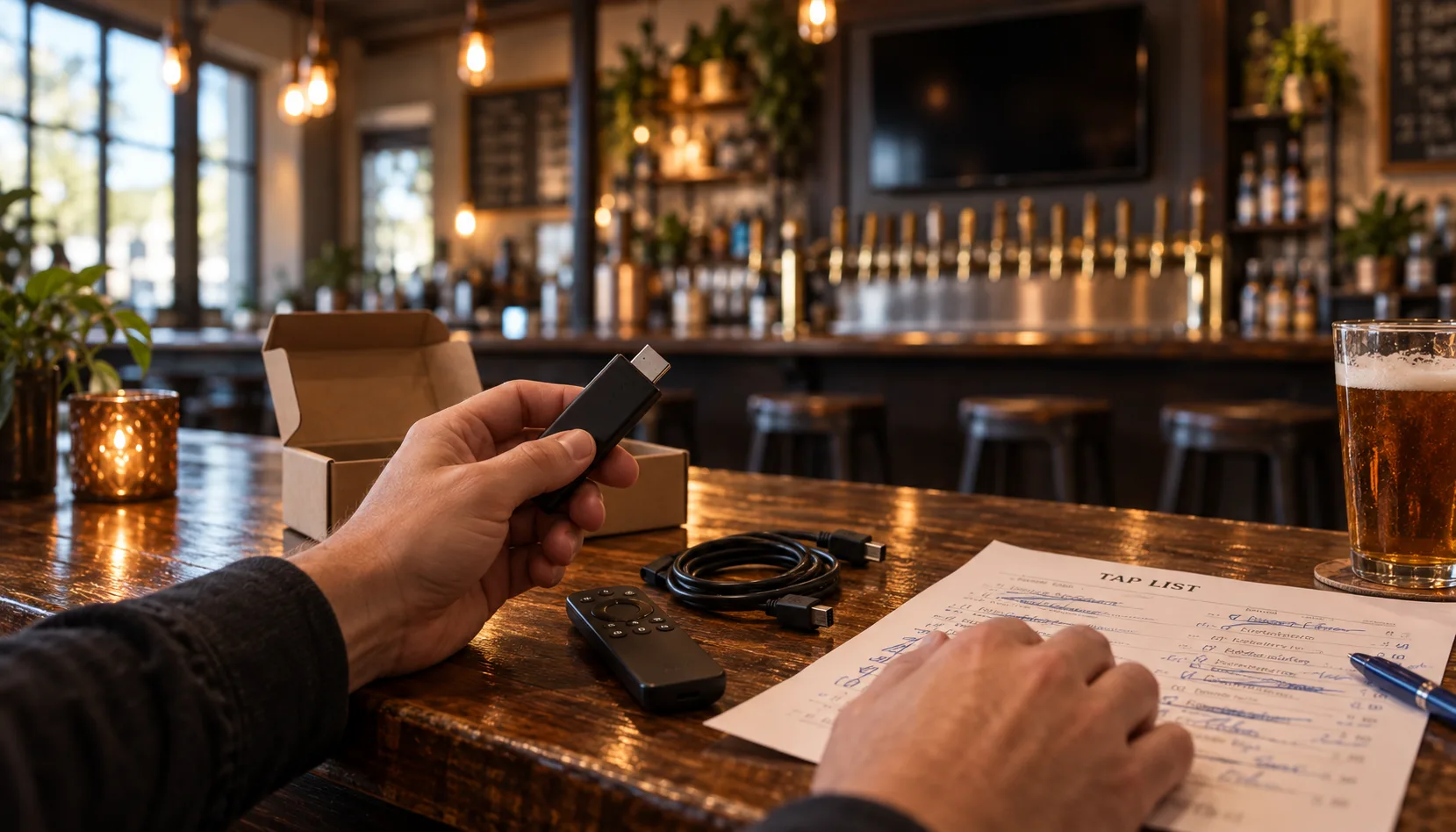
Pourwall vs Brewlytics: A Free Beer Menu, or the Data Behind It
Pourwall is a genuinely free digital beer menu. Brewlytics is a brewery platform that also draws menus. An honest comparison of when each one is the right call.
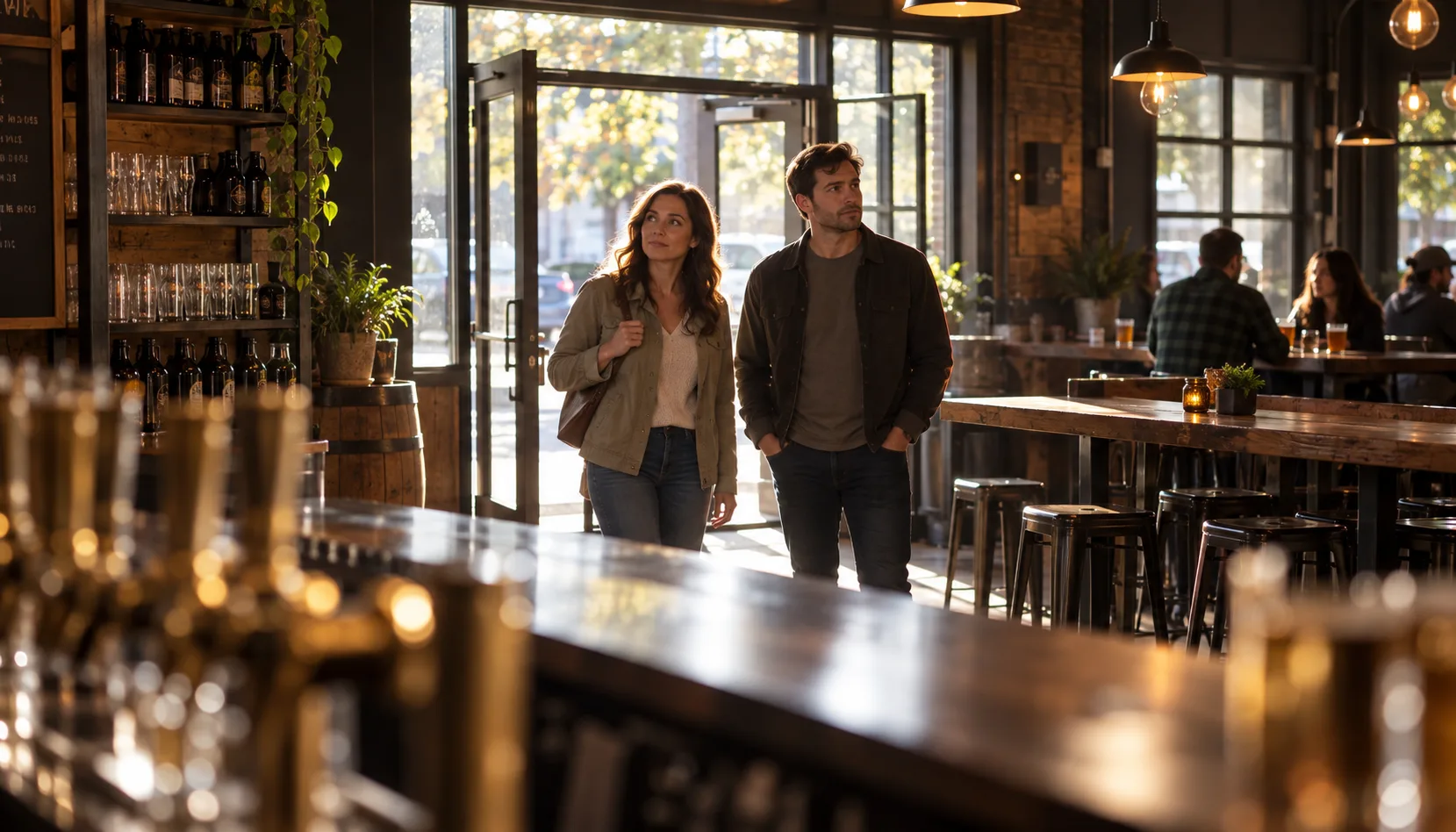
How Breweries Can Improve the First-Time Guest Experience
A first-timer decides how they feel about your taproom in five minutes. A moment-by-moment checklist for the door, the order, the first pour, and the exit.
Want to see this working in your brewery?
Go Pro to see your customers and act on the data — taste profiles, segmented iMessage, SMS + email campaigns, the AI bartender, and the full dashboard. Or book a walkthrough with the brewer who built it. Not ready? Start free, no card.
Just here for the beer? Get the free Barley app