
Best Brewery Marketing Software for Small Breweries
By Brian Winckel · Founder, Brewlytics.ai

Short Answer
For a 1 to 5 barrel brewery, the best marketing software is usually one general email platform (Mailchimp for most, Klaviyo only if you sell online) running next to the POS you already have. Both are free up to 250 contacts as of September 2026. The one thing those tools can't do is segment by what your guests drink, which is where a brewery-specific layer such as Brewlytics fits. Its Free plan costs $0 and Pro is $99/mo plus a per-active-customer fee.
Barley's Take
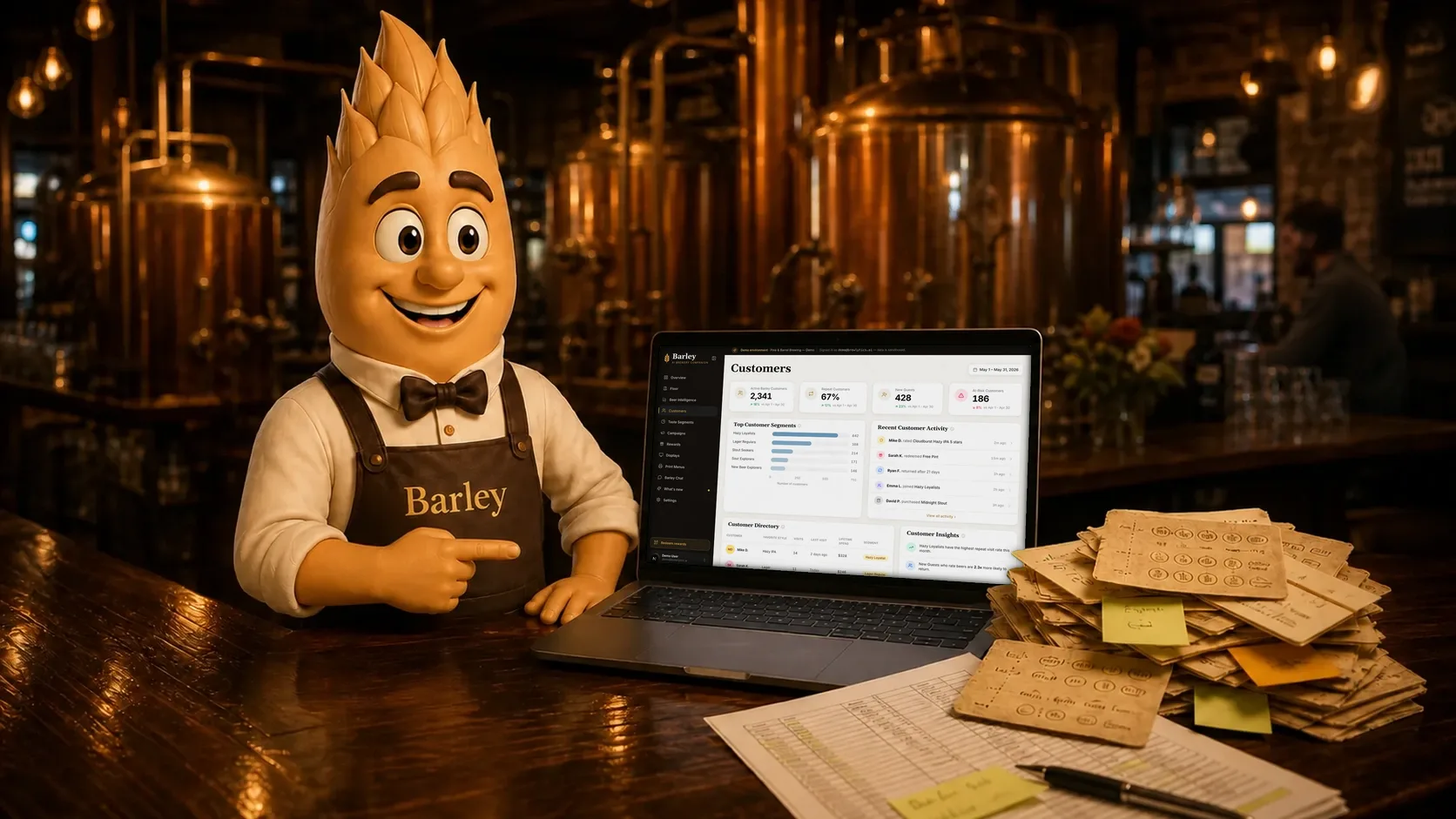
A three-barrel brewhouse with four marketing subscriptions has a hobby, and it's paying bills. Pick one email tool, collect names at the bar, and find out who actually drinks the hazy before you buy anything else.
Why This Matters for Breweries
A 3-barrel brewpub usually has one person doing marketing, and that person also cleans kegs, runs the Square register on Saturdays and brews the Thursday hazy IPA. Marketing software gets bought in the gaps between those jobs, often after reading a roundup of nineteen tools written for companies with a marketing department.
The result is a familiar pattern. An email tool, a texting tool, a loyalty app and a social scheduler, each on a monthly plan, each holding a slice of the same 600 guests. None of them talk to the POS, so none of them know that half those guests only ever order the pilsner.
Small breweries have two constraints the big roundups ignore: very little time and a short list. Both argue for fewer tools, chosen for the jobs you actually do this month. This guide sits under our complete brewery marketing guide and narrows it to one question: which software a small brewery should pay for, and which it can skip.
How It Works
The four jobs small-brewery marketing has to do
Before comparing tools, list the jobs. At 1 to 5 barrels there are usually four:
- Collect contacts from guests who already like you (a QR code, a clipboard, a mug club form).
- Tell people about releases and events, usually on short notice.
- Send a regular newsletter, typically monthly.
- Know who your regulars are and what they drink.
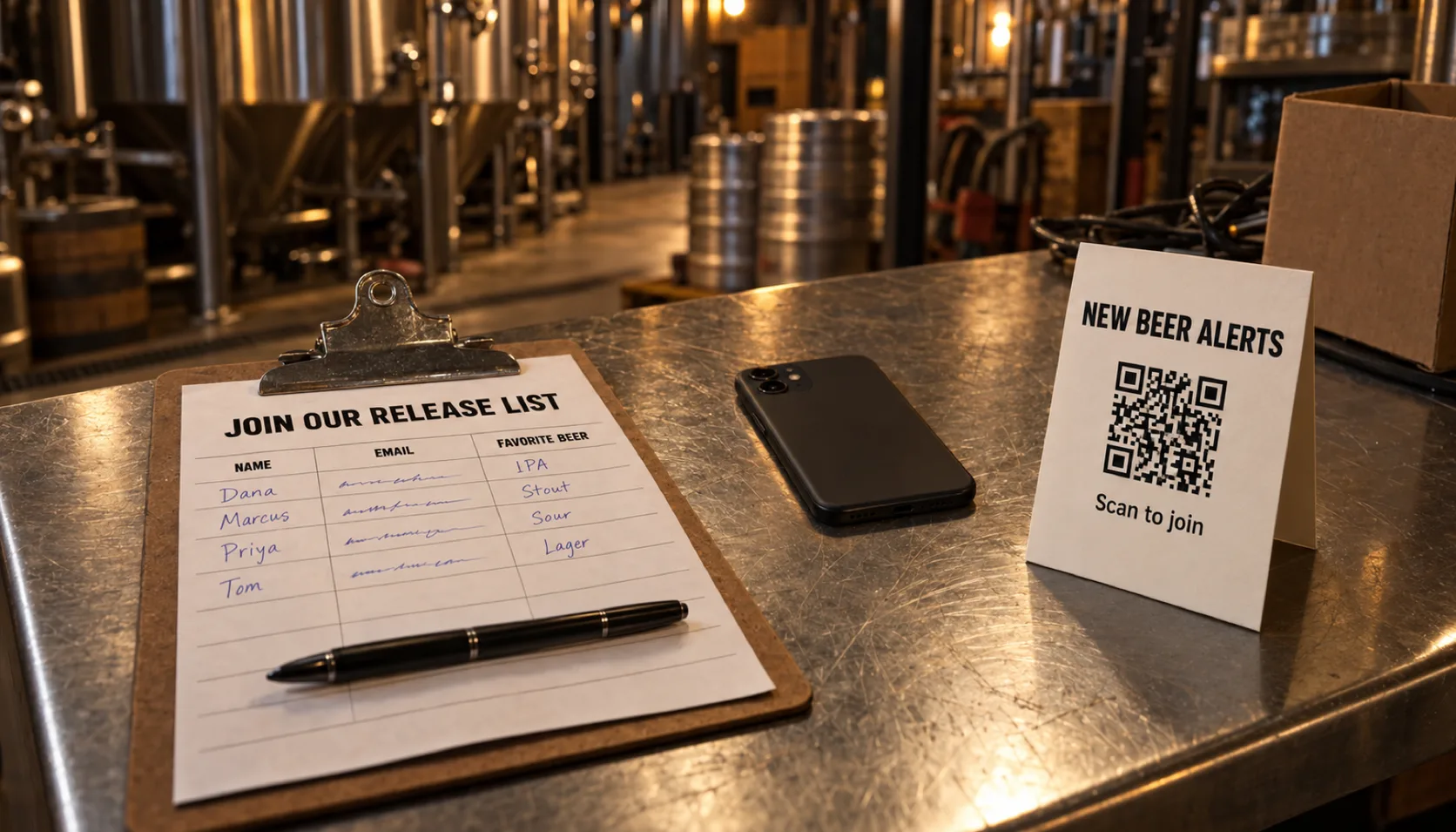
General email platforms cover the first three well. The fourth job is the one that decides whether a release announcement lands, and it lives in your POS data, which no email tool reads.
The four tools, compared
| Tool | Best for | Knows what guests drink? | Pricing (as verified) |
|---|---|---|---|
| Mailchimp | A monthly newsletter from a single taproom | No | Free to 250 contacts / 500 sends per mo · Essentials from $13/mo · Standard from $20/mo (2026-09-09) |
| Klaviyo | Breweries that sell merch or beer online | No, only online purchases | Free to 250 profiles / 500 sends per mo (2026-09-09) |
| Constant Contact | A Mailchimp alternative if you prefer its editor | No | See vendor |
| Brewlytics | Knowing who drinks which beer, and messaging them | Yes, from item-level POS data | Free plan $0 · Pro $99/mo plus a per-active-customer fee |
Mailchimp is the shortest path from nothing to a sent newsletter, and its pricing rises with your contact count. Klaviyo is excellent at flows triggered by online orders, and a taproom-only brewery won't use most of it. Constant Contact does the same core job as Mailchimp; pick between them on which editor you like. Brewlytics is a different category. It reads your Square transactions, maps each beer to its style and builds a taste profile per guest. It also sends over iMessage, SMS and email, though its email is plain text with your branding, with no newsletter designer.
What's overkill at this scale
A few purchases show up again and again at small breweries and rarely pay off:
- Commerce automation with no online store to trigger it.
- A standalone SMS subscription bought on top of an email plan, when one tool could cover both.
- A paid email tier started while the list is still under the free cap.
- A menu or check-in network bought mainly for its email feature. Untappd for Business runs $899/yr or $1,199/yr (verified 2026-08-18), and its marketing reaches people on Untappd, not a list you own and can export.
- A/B testing and send-time optimization on a list of a few hundred people, where each variant reaches too few people to show a clear winner.
The minimum stack
For most small breweries the stack is short. Keep the POS you already run. Add one email platform on its free or entry tier. Build a habit of collecting contacts at the bar, because the list grows from conversations at the bar. When the list is big enough that sending the same email to everyone starts to feel wasteful, add taste data so each announcement goes to the people who drink that style.
Example Brewery Scenario
Low Ridge Brewing is a 3-barrel brewpub run by co-owners Dana and Luis. They ring everything through Square and have 480 email addresses from a clipboard by the register and a QR table tent. Their core lineup is a pilsner, an amber, the Switchback Hazy IPA and a rotating stout.

Last spring they were paying for a Mailchimp plan, a separate texting app and a punch-card loyalty app. Each held a different subset of the same guests. When a new batch of Switchback came off the brite tank, Dana sent the same email to all 480 people and the same text to everyone on the SMS list, many of them the same people.
They cut back to one email tool. With 480 contacts they sat above Mailchimp's free cap of 250, so Essentials (from $13/mo) covered the monthly newsletter. They cancelled the texting app and connected Square to Brewlytics on the Free plan, which costs nothing and starts building taste profiles from past transactions.
A few months later Luis wanted to announce a new double dry-hopped batch without emailing 480 people, most of whom drink the pilsner. That was the point at which Pro made sense for them: one segment of guests who had bought hazy IPAs more than once, one text, and the newsletter left for the monthly recap. Their total software count went from three subscriptions to two, and every send now had a reason to go to the people who got it.
Practical Checklist
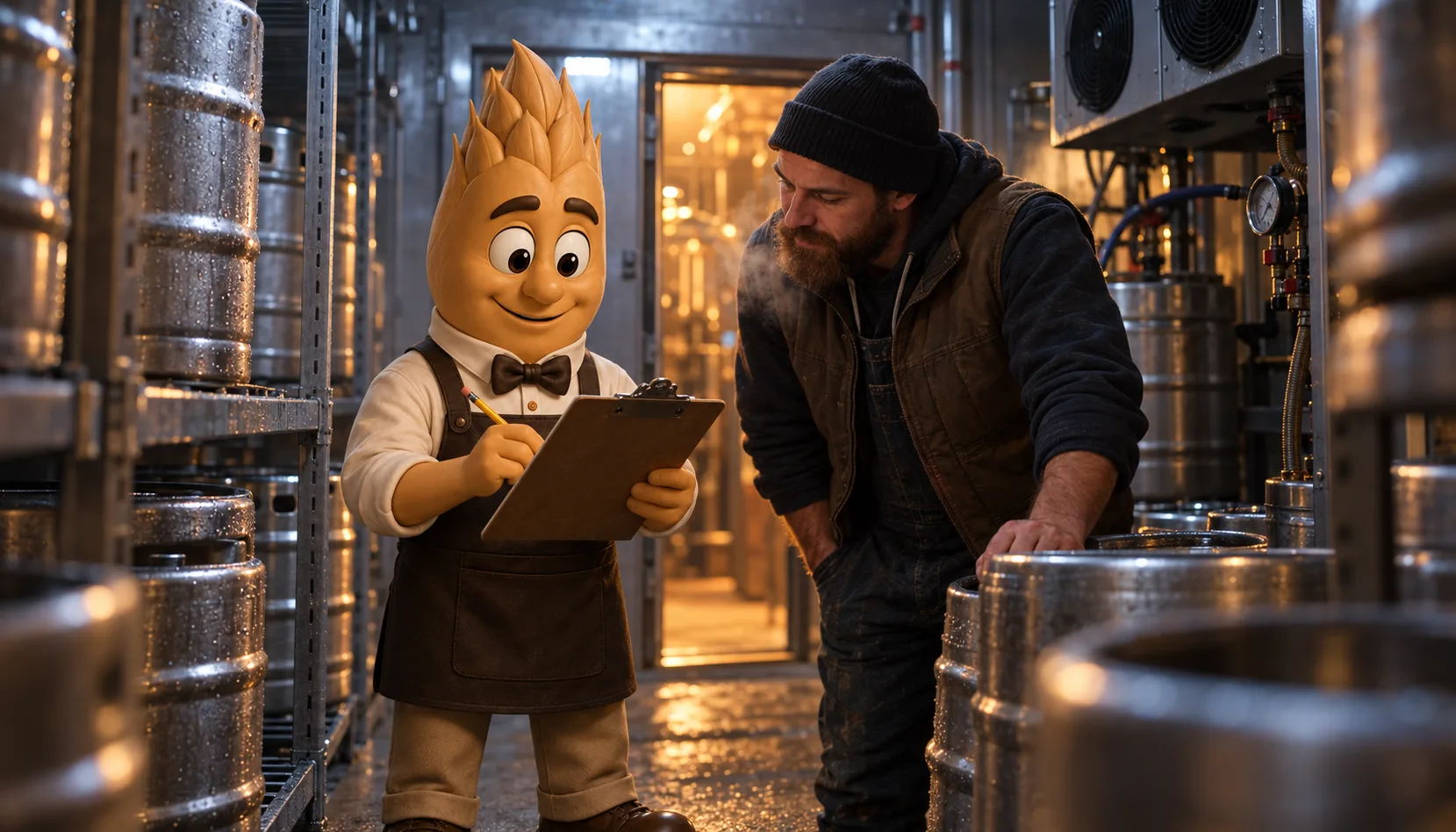
- Write down every marketing subscription you pay for and what each one costs per month.
- Count your contacts. Under 250, Mailchimp and Klaviyo are both free, so start there.
- Choose Klaviyo only if you sell online. Otherwise choose Mailchimp or Constant Contact.
- Cancel any tool whose only job is duplicated by another one you keep.
- Put a QR code or clipboard at the register this week and ask every new guest once.
- Export your Square item-level sales and look at what your top 50 customers order. If the list surprises you, that is your case for taste segments.
- Decide which messages are urgent (releases, a last keg) and which can wait for the newsletter.
How Brewlytics Helps
Brewlytics is built for the fourth job on the list, knowing who drinks what, and it sits on top of the POS you already run.
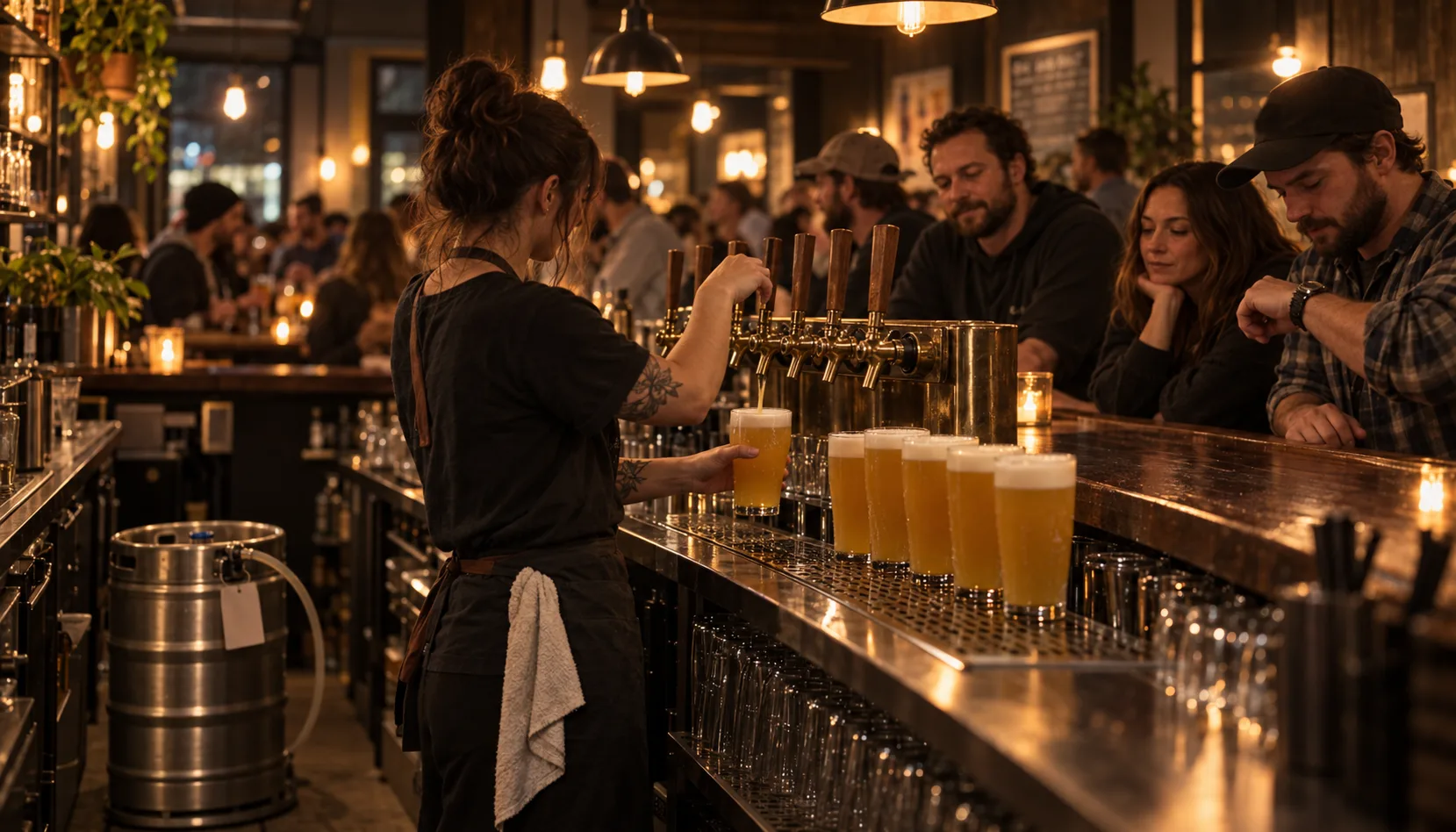
- Customer Taste Profiles read item-level Square history and in-app ratings to show what each guest actually drinks. (See how customer insights work)
- Taste Segments turn those profiles into lists you can use: hazy IPA regulars, stout drinkers, guests who haven't been in for 60 days.
- Campaign Automation sends a release alert over iMessage, SMS or email to one segment, so the double dry-hopped batch goes to the people who buy hazies.
- The Free plan costs $0 with no card. Your brewery gets a profile in the Barley app and taste profiles build in the background, ready when you move to Pro at $99/mo plus a per-active-customer fee. (See pricing)
Keep Mailchimp for the designed newsletter if you have one. Brewlytics decides who should hear about a specific beer. For the email side in more depth, see the best email marketing platforms for breweries, and for texting, brewery SMS marketing.
FAQ
See the schema-ready FAQ block at the end of the page for the full set.
Ready to build a smaller, smarter stack?
Start with one email tool and a clipboard. Then find out what your Square history already says about who drinks what.
Book a walkthrough and we'll show you the taste segments in your own sales data, or read more about what Brewlytics does for breweries.
Frequently asked questions
Related Brewlytics Feature
Campaign Automation
Taste-segmented iMessage, SMS + email that runs itself once it's wired up.
See how it works →Keep reading

The Best Email Marketing Platforms for Breweries (2026)
Six email platforms compared for breweries in 2026 — Mailchimp, Klaviyo, Constant Contact, Untappd, BeerMenus and where Brewlytics fits. With verified pricing.
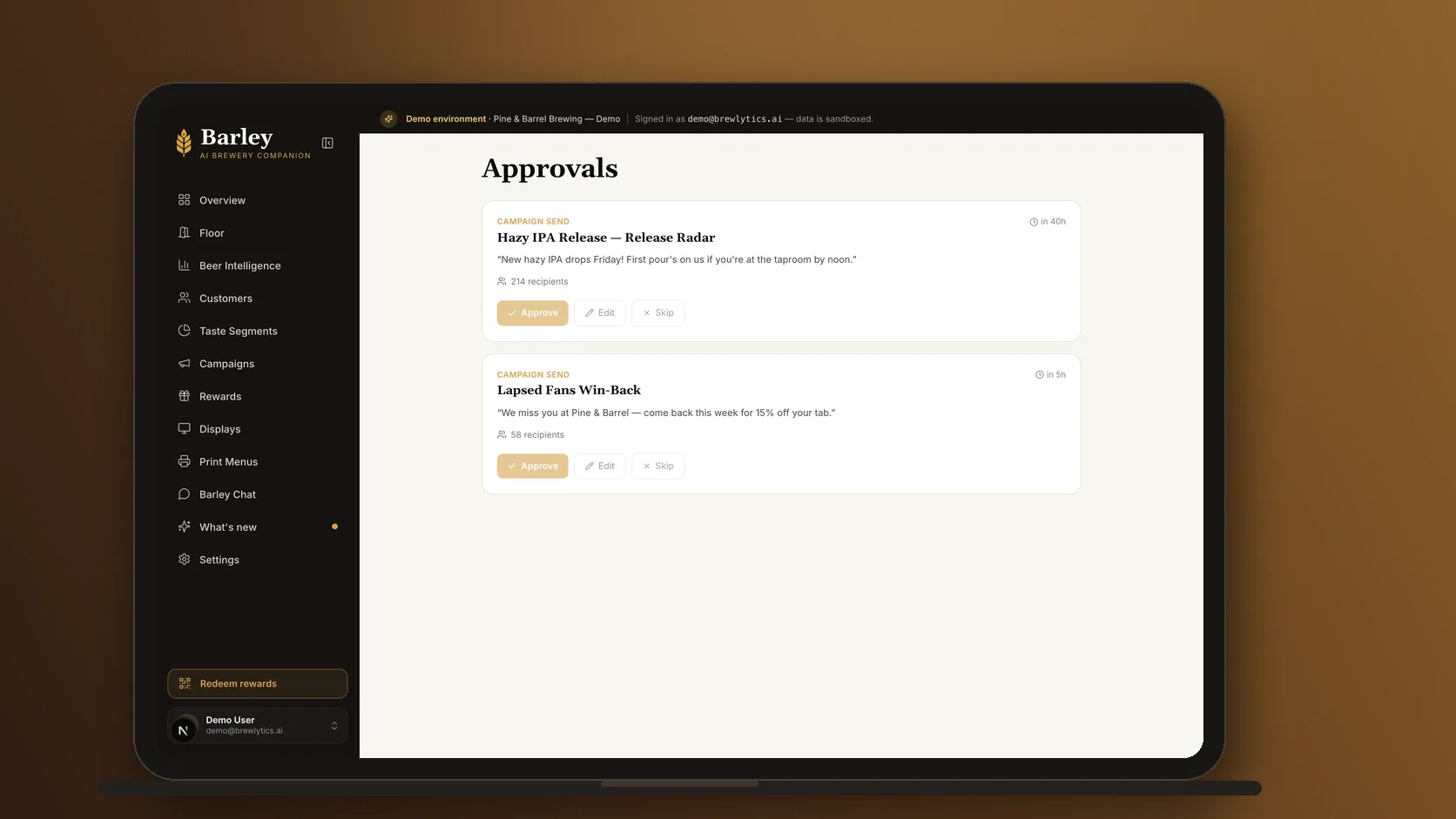
Why Brewery Email Blasts Don't Work Like They Used To
Email open rates collapsed, Instagram reach is a rounding error, and the Tuesday newsletter doesn't move pints. Here's what's replacing broadcast blasts.
Best Brewery CRM Software (2026)
Nine brewery CRM tools compared for 2026 — Untappd, Bloom, AnyRoad, CraftPeak, Arryved, HubSpot, Sequenzy and Brewlytics — with verified pricing and the gaps.
Want to see this working in your brewery?
Go Pro to see your customers and act on the data — taste profiles, segmented iMessage, SMS + email campaigns, the AI bartender, and the full dashboard. Or book a walkthrough with the brewer who built it. Not ready? Start free, no card.
Just here for the beer? Get the free Barley app