
Why Your Brewery's Facebook Reach Dropped (and What Still Reaches Your Regulars)
By Brian Winckel · Founder, Brewlytics.ai
Short Answer
In January 2026, Facebook told many breweries and other alcohol businesses that their Pages would no longer be recommended, so their posts stopped reaching people who don't already follow them. Meta later called it a technical error, but some Pages were suspended again. Check Professional Dashboard, then Page Status, request a review if recommendations are suspended, and send your important news through texts, email and Google Business too.
Barley's Take
Facebook can decide who it shows your Hazy IPA to. It doesn't get a say in who's on your text list.
Why This Matters for Breweries
A brewery owner on a craft beer forum this summer asked if anyone else remembered when Meta stopped recommending brewery content. Plenty did. In January 2026, owners of breweries, wineries and distilleries got a notice saying their Facebook Pages would no longer be recommended. A release-day post for a new Hazy IPA that used to travel well suddenly reached a fraction of the usual crowd.
For a taproom that runs on Facebook, that hurts. Events, food truck schedules, a fresh keg of Oktoberfest, the Saturday trivia night: if those posts only reach people who already follow you, the new guests who used to find you through a friend's feed stop finding you.
Most of the fix is still yours to make. You can check whether your Page is flagged, change the settings Meta lets you control, and send your regulars the tap list through channels that don't depend on Facebook's ranking.
How It Works
What happened in January 2026
Here is the timeline as the Northwest Wine Report documented it:
| Date (2026) | What happened |
|---|---|
| About January 9 | Many alcohol-related businesses are told their Page recommendations are suspended |
| January 17 | Facebook adds a way to appeal |
| January 21 | Meta tells the publication it was a "technical error" and starts rolling out a fix |
| February 6 | The publication's own Page is suspended a second time |
| February 13 | That Page's recommendations are restored |
The notice itself said, "Our technology found your content doesn't follow our Community Standards," with no specific reason. Some owners saw that next to a status screen reading "no violations to show." The publication's January 11 report said beer and spirits businesses were hit along with wineries, and that Instagram did not appear to be affected at the time.
Recommendations are not the same as your followers
The Facebook Help Center's page on recommendations explains the difference. A recommendation is Facebook showing a Page or post to someone who doesn't already follow it: "Suggested for you" posts in Feed, Pages You May Like and similar spots.
So a suspended Page isn't hidden. People who follow you can still see your posts. What disappears is the reach to strangers, which is where most new guests come from.
Meta's page also says its Recommendations Guidelines are held to a higher standard than its Community Standards, so "not all content allowed on our platform will be eligible for recommendation." Content that promotes regulated products is one of the categories it may hold back from teens, and Meta's own example is a post selling alcohol from a legitimate brick-and-mortar business.
What Meta's rules actually allow
Posting about beer is not against the rules. Meta's Restricted Goods and Services policy allows a Page representing a legitimate brick-and-mortar business to sell alcohol and to invite people to a venue where alcohol is served. What Meta does is restrict that content to adults 18 and over.
That means a brewery's posts are allowed, but they live in a restricted category. The Brewers Association's July 2026 article, A Digital Health Check for Your Brewery, is frank about the result: Meta doesn't publish how its recommendation systems work, and there's no guaranteed formula for staying in Recommended status.
The settings you control
You can't control Meta's systems, but you can control these:
- Check your Page Status. Open your Page, go to Professional Dashboard, then Page Status. Under Extra Features, recommendations show as Active or Suspended.
- Request a review. If recommendations are suspended, the review option should appear on that screen. If it doesn't, the Northwest Wine Report found that recommendations sometimes come back on their own.
- Set the age restriction. Under Settings, then Followers and Public Content, then Age Restrictions, the same primer advises choosing alcohol-related rather than 18+ or 21+. Adding an age restriction removes your Page from any groups it belongs to, including groups you own, so decide that first.
- Clean up the basics. The Brewers Association suggests reviewing recent posts, making sure your business details match your website, securing admin access and contacting Meta Business Support if you're marked Not Recommended.
- Watch what you post. Keep posts about your beer and your taproom. Skip anything that looks like it encourages heavy drinking, like chug challenges or "drink until we run out" promos.
None of this guarantees your Page gets recommended again, but it clears away the problems you can actually see.
Example Brewery Scenario
Cedar Lantern Brewing (a fictional brewery) runs a 10-barrel brewhouse with a taproom and patio, pours a Pilsner called Porch Light, a West Coast IPA, a rotating Hazy IPA and a dry stout, and rings everything through Square. Its Facebook Page has about 4,200 followers and used to be the main way it announced new beers.
In January, the owner notices that the Thursday post for a fresh Hazy IPA reached far fewer people than usual. She opens Page Status and sees recommendations marked Suspended. She requests a review, switches the age restriction to alcohol-related (the Page wasn't in any groups, so nothing lost there), and makes sure the hours and address match the website.
Then she moves her most important announcements to other channels:
- Release days go out by text. Cedar Lantern already had about 600 guests opted in to texts at the register. Every new beer now gets one short text the morning it's tapped.
- The weekly roundup goes by email. One email on Wednesday: what's pouring, what's coming, the weekend's food truck.
- Google Business gets the same news. A Google Business post for each release and event, since people searching for a brewery nearby see it.
- Instagram gets short video. Her bartender films a 20-second pour on the patio for each new beer.
- Facebook keeps going. Same posts, aimed at the 4,200 people who already follow.
Her recommendations come back a few weeks later, then get suspended again in the spring. By then she barely notices, because the guests most likely to come in on a Thursday now hear about a new Hazy IPA by text.
Practical Checklist
- Open Professional Dashboard, then Page Status, and check whether recommendations are Active or Suspended.
- If suspended, request a review from that screen and note the date.
- Check your age restriction and choose alcohol-related, after checking which groups your Page belongs to.
- Make sure your Page's name, address, hours and website match your actual website.
- Review the last month of posts and remove anything that promotes heavy drinking.
- Look at your Instagram insights for reach to non-followers, so you know whether it's carrying more weight.
- Start or grow an opted-in text list and an email list at the register and on table tents.
- Put every release and event on your Google Business Profile, not only on Facebook.
- Check Page Status again monthly. Pages have flipped back and forth.
For where each of these channels fits, see the brewery marketing guide. For the channel that reaches regulars most directly, read brewery SMS and text message marketing and email marketing for breweries.
How Brewlytics Helps
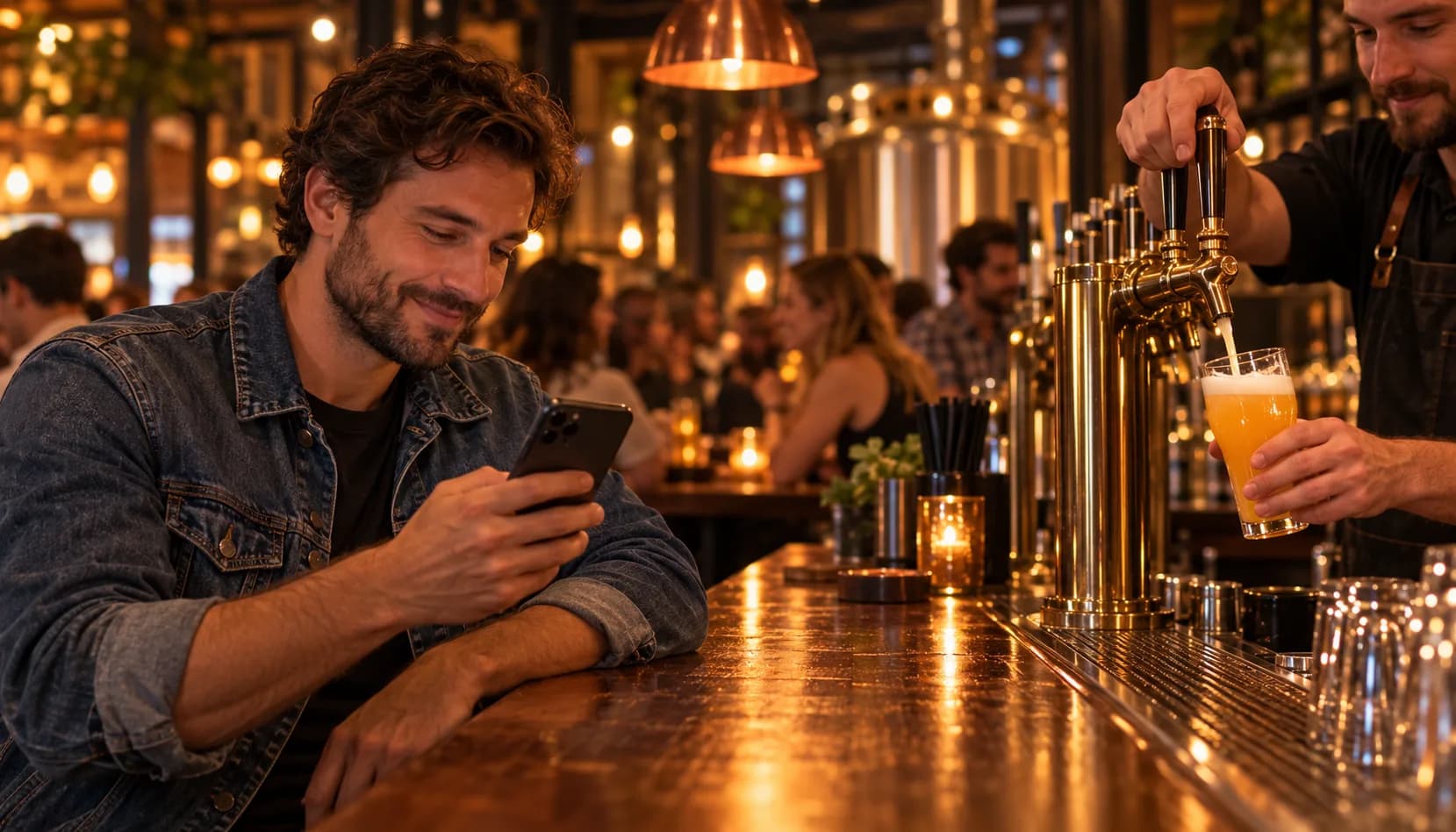
You can't control who Facebook shows your posts to. Our brewery marketing service moves your most important announcements onto channels you own and keeps your social accounts running.
- Social on up to four accounts. A post every day on the platforms that matter for your taproom (Instagram, Facebook, TikTok or LinkedIn), with real photos of your beer and short video, plus replies to comments and DMs.
- Texts and emails written for you. Release alerts and event reminders go straight to guests who opted in, so a new Hazy IPA doesn't depend on a feed.
- Google Business kept current. Hours, events, photos and posts, so people searching nearby see what's actually pouring.
- Guest data from your POS. Brewlytics connects to Square, so you can see who your regulars are and what they drink, and send the right release to the right people.
FAQ
See the schema-ready FAQ block at the end of the page for the full set.
Ready to Reach Your Regulars Without the Algorithm?
You can't make Facebook recommend your Page. You can make sure the people who already love your beer hear about the next one. Book a demo to see how we run social, texts and email for breweries, or see how Brewlytics works for breweries.
Frequently asked questions
Related Brewlytics Feature
Campaign Automation
Taste-segmented iMessage, SMS + email that runs itself once it's wired up.
See how it works →Keep reading
How to Get Travelers to Find and Visit Your Brewery
How travelers find breweries, what to fix on Google Business first, how to get on beer trails and tourism lists, and how to turn visitors into regulars.
Your Taproom Is Slow — 7 Things You Can Do This Week
Slow days happen to every brewery. Don't panic — and don't just wait it out. Seven tactical moves you can make this week to get people through the door.
Who Runs Marketing at a Brewery Your Size? Roles, Hours and Pay
How breweries staff marketing and events at four stages, who owns each weekly job, and what BLS says event planners and marketing specialists earn.
Want to see this working in your brewery?
Go Pro to see your customers and act on the data — taste profiles, segmented iMessage, SMS + email campaigns, the AI bartender, and the full dashboard. Or book a walkthrough with the brewer who built it. Not ready? Start free, no card.
Just here for the beer? Get the free Barley app