
How to Get a Bad Google Review Removed: A Brewery Owner's Guide
By Brian Winckel · Founder, Brewlytics.ai

Short Answer
You can only get a Google review removed if it breaks Google's content policy: fake or paid reviews, a competitor or ex-employee with a conflict of interest, off-topic rants, harassment, hate speech or personal information. Report it from your Business Profile or the Reviews Management Tool, and appeal once if Google finds no violation. If it stays, reply calmly, fix what caused it and outweigh it with honest reviews.
Barley's Take
Google won't pull a review for being wrong, only for breaking the rules. So fix the dog sign, write a nice reply, and let the next fifty happy guests do the talking.
Why This Matters for Breweries
On a brewery owners' forum this summer, one owner described a one-star Google review that said, more or less, the internet is wrong, they don't allow dogs. The owner reported it. Google said no. The owner appealed. Google said no again.
Most owners have been there, or will be. Somebody blames you for a policy they misread, or for a crowded Saturday when they waited 20 minutes for a pint of Hazy IPA, or for a beer they didn't like. Your Google Business Profile is often the first thing a new guest sees when they search "brewery near me," and one angry review sits right there next to your hours and photos.
So it's worth knowing two things before you spend an afternoon on it: which reviews Google will actually take down, and what to do about the ones it won't. Getting that straight saves time and keeps you from steps that make things worse, like offering free beer for five-star reviews.
How It Works
Which reviews Google will remove
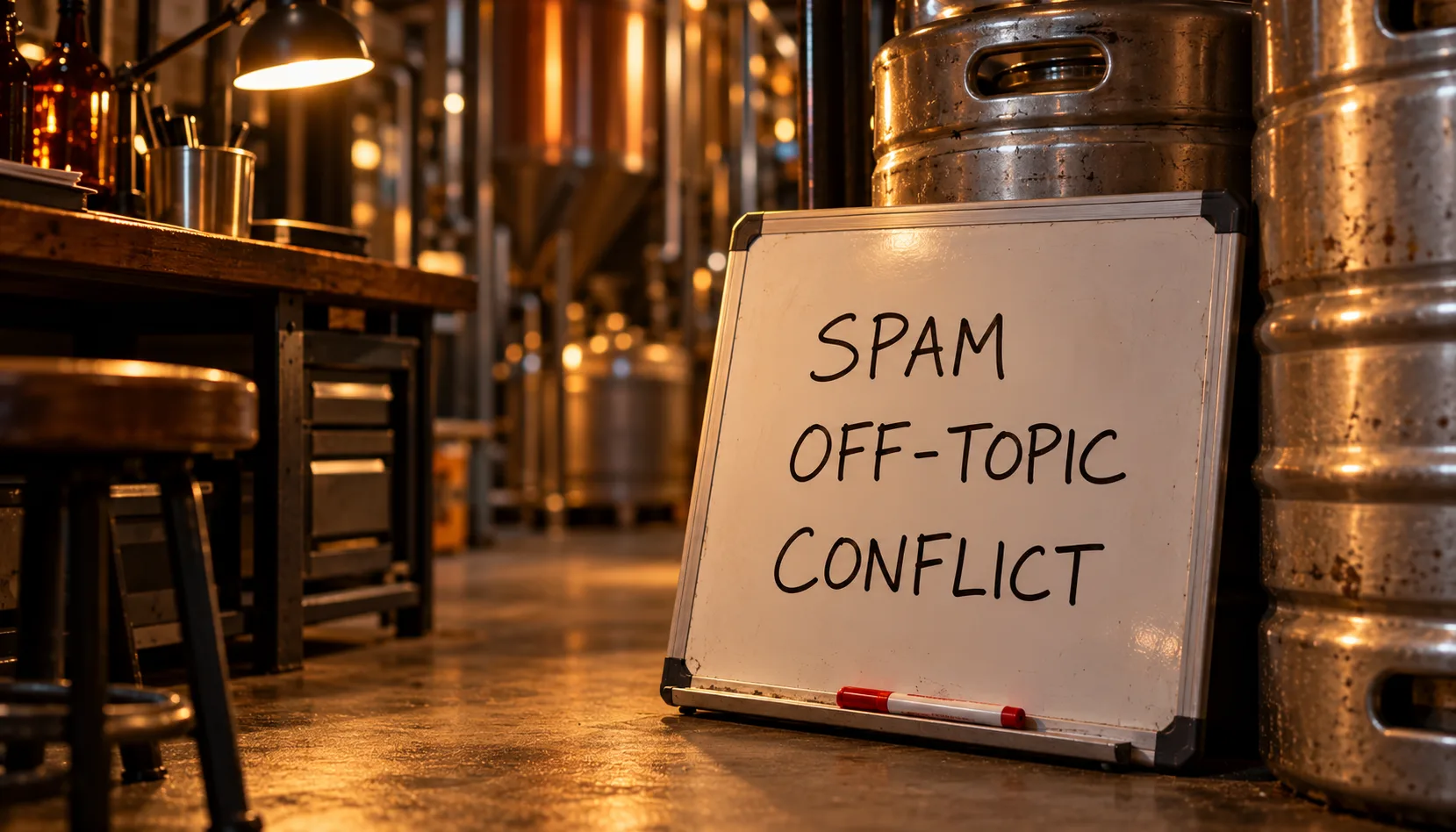
Google removes a review only when it breaks the Maps user-contributed content policy. Its own help page for business owners is blunt about it: don't report a review just because you disagree with it, and Google doesn't get involved in conflicts between businesses and customers. A review being unfair, wrong or rude to your bartender is not enough by itself.
Here are the policy categories that most often apply to a brewery (as listed by Google in October 2026):
| Policy category | What it looks like at a brewery |
|---|---|
| Fake engagement | A review not based on a real visit, or one person posting from several accounts |
| Rating manipulation | A sudden burst of one-star reviews in an unusual pattern, or reviews bought or rewarded |
| Conflict of interest | A review from a competitor, a current or former employee, or their family |
| Off-topic | General political or social commentary, or a personal rant that isn't about a visit |
| Harassment | Threats or attacks aimed at a named staff member |
| Hate speech | Content that attacks people for who they are |
| Personal information | A bartender's phone number, home address or other private details |
| Obscenity and profanity | Profanity used to offend or to pile onto a complaint |
"Review bombing," where a wave of one-star reviews arrives after a news story or a social post goes around, isn't a term Google's policy uses. The closest rules are rating manipulation (unusual review volume or patterns) and off-topic (commentary that isn't about an experience at your place). Report those reviews under whichever category fits each one.
Step 1: Report it from your Business Profile
Google's help page on reporting inappropriate reviews gives these steps:
- Open your Business Profile.
- Select Read reviews.
- Next to the review, select the report icon.
- Choose the reason that matches the policy it breaks.
- Select Send report.
Pick the reason honestly. "Conflict of interest" on a review from a guest you simply didn't like won't hold up.
Step 2: Track it in the Reviews Management Tool
The same help page links to Google's Reviews Management Tool. You can also report from there: confirm your account, select your business, choose to report a new review for removal, then report the review and pick a reason.
Come back to the tool to check status. You'll see one of three:
- Decision pending: flagged, not evaluated yet. Google says evaluation typically takes several days.
- Report reviewed, no policy violation: Google looked and kept it up. You can appeal once.
- Escalated, check your email for updates: your appeal went up a level, and the final decision arrives by email.
Step 3: Appeal once, with your evidence
If the status reads no policy violation, open the tool, check the previously reported review, select Appeal eligible reviews, pick up to 10 reviews and submit the appeal form. Each review gets one appeal, so make it count:
- Show the pattern. Several one-star reviews in two days from new accounts with no other reviews looks like rating manipulation. Note the dates and reviewer profiles.
- Show the conflict. If the reviewer is a former employee or runs a competing taproom, say so, with whatever you can document.
- Show it's off-topic. If the review is about a news story or a political fight rather than a visit, quote the lines that prove it.
Don't build the appeal on "this isn't true." Google doesn't fact-check whether you allow dogs.
Step 4: Handle the review that stays
If the appeal fails, the review stays. Three things still help:
- Reply publicly and calmly. Future guests read your reply more closely than the review. Thank them, correct the fact in one sentence, invite them to reach you directly. No sarcasm.
- Fix what made it possible. If people keep getting your dog policy wrong, your listing or website is probably unclear. Set the right attributes on your Google Business Profile, put the policy on your website's visit page, and put a sign on the door.
- Outweigh it with honest reviews. Ask every guest, the same way, with no reward. Google's policy bans offering discounts or free items for reviews, and it also bans asking only your happy guests. A table tent or a line on the receipt asking everyone is fine. A free pint for five stars is not.
Example Brewery Scenario
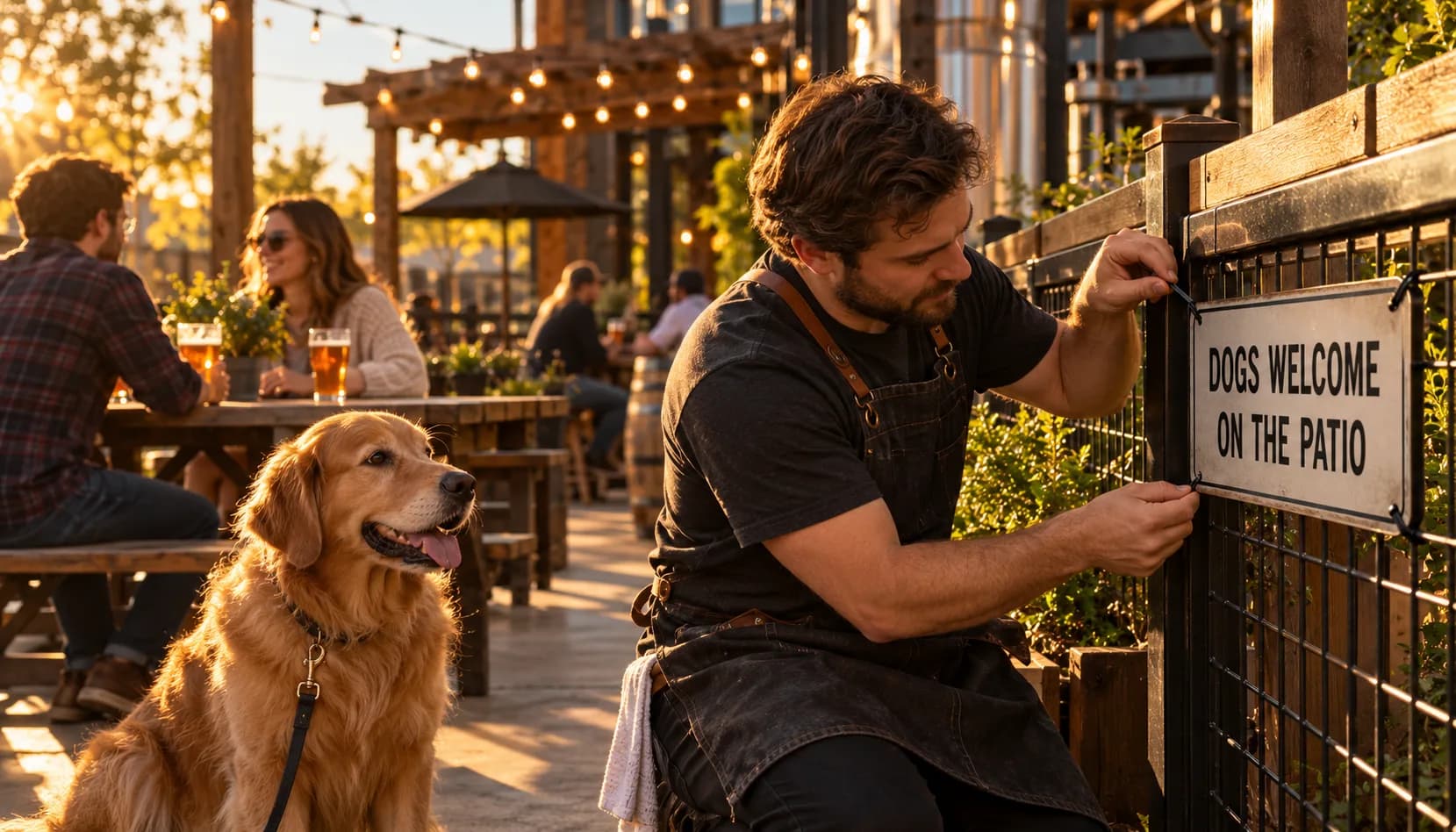
Switchgrass Brewing (a fictional brewery) runs a 7-barrel brewhouse with a taproom and a fenced patio, pours a Pilsner, a Kölsch, a Hazy IPA called Low Fog and a coffee stout, and rings everything through Square. Dogs are welcome on the patio but not inside, because of the health code.
On a Tuesday, a one-star review lands: "Their Google page says dog friendly. Drove 40 minutes with my dog and they wouldn't let us in. Don't bother."
The owner reports it under off-topic. Google marks it reviewed, no policy violation. She appeals once. It's denied, which was the likely outcome: the review describes a real visit, and an unhappy guest is allowed to say so.
So she works the other three steps. She replies within a day: "Sorry about the drive. Dogs are welcome on our patio, but health rules keep them out of the taproom. We've made that clearer on our page. We'd love to pour you a Low Fog outside next time." She updates the Google Business Profile and the website's visit page so both say "dogs welcome on the patio." Her bartender zip-ties a sign to the patio gate. And she adds one line to the table tents, asking every guest to leave an honest review on Google.
The one-star review is still there. It now sits under a reply that reads like a brewery worth visiting, and above a steady stream of newer reviews from people who sat on the patio with their dogs.
Practical Checklist
- Read the review against Google's prohibited content list before you report anything.
- If it breaks a rule, report it from Read reviews with the matching reason.
- Write down the date, the reviewer's profile and anything that shows a pattern or a conflict.
- Check the Reviews Management Tool after several days.
- If Google finds no violation, file one appeal with your evidence, not your opinion.
- Post a calm public reply within a day or two, whatever happens with the report.
- Fix the cause: Google Business attributes, website, door signs, staff talking points.
- Ask every guest for an honest review the same way, with no discount or freebie attached.
- Check your profile weekly so the next review gets a reply in days, not weeks.
The brewery marketing guide covers where your Google Business Profile fits with the rest of your marketing, and how to collect better beer feedback shows how to hear about problems before they turn into public reviews.
How Brewlytics Helps

Most of what helps with a bad review is steady, unglamorous work: keeping your profile accurate and answering every review on time. Our brewery marketing service can take that work on.
- Google Business Profile, kept current. Our brewery marketing service handles hours and holiday hours, events, photos and a weekly post on your profile, so guests aren't working from stale information.
- Review replies drafted for your OK. We draft replies to new reviews and you approve them before they post, so nothing goes out that you haven't seen.
- Comments and DMs answered. The 9pm "are you dog friendly?" message gets answered before it turns into a one-star review.
- Feedback you hear first. Brewlytics collects ratings and feedback on your beers through the Barley app, so a problem with a beer or a visit can reach you directly instead of only through Google.
FAQ
See the schema-ready FAQ block at the end of the page for the full set.
Ready to Stop Losing Afternoons to Google Reviews?
You can't control every review, but you can control how fast you answer and how accurate your profile is. Book a demo to see how we handle Google Business and review replies for breweries, or see how Brewlytics works for breweries.
Frequently asked questions
Keep reading
Brewery Private Events: How to Price, Book and Fill Your Event Space
Four ways real breweries price private events, plus deposits, contracts, a one-page events menu and one shared calendar so parties never surprise the bar.
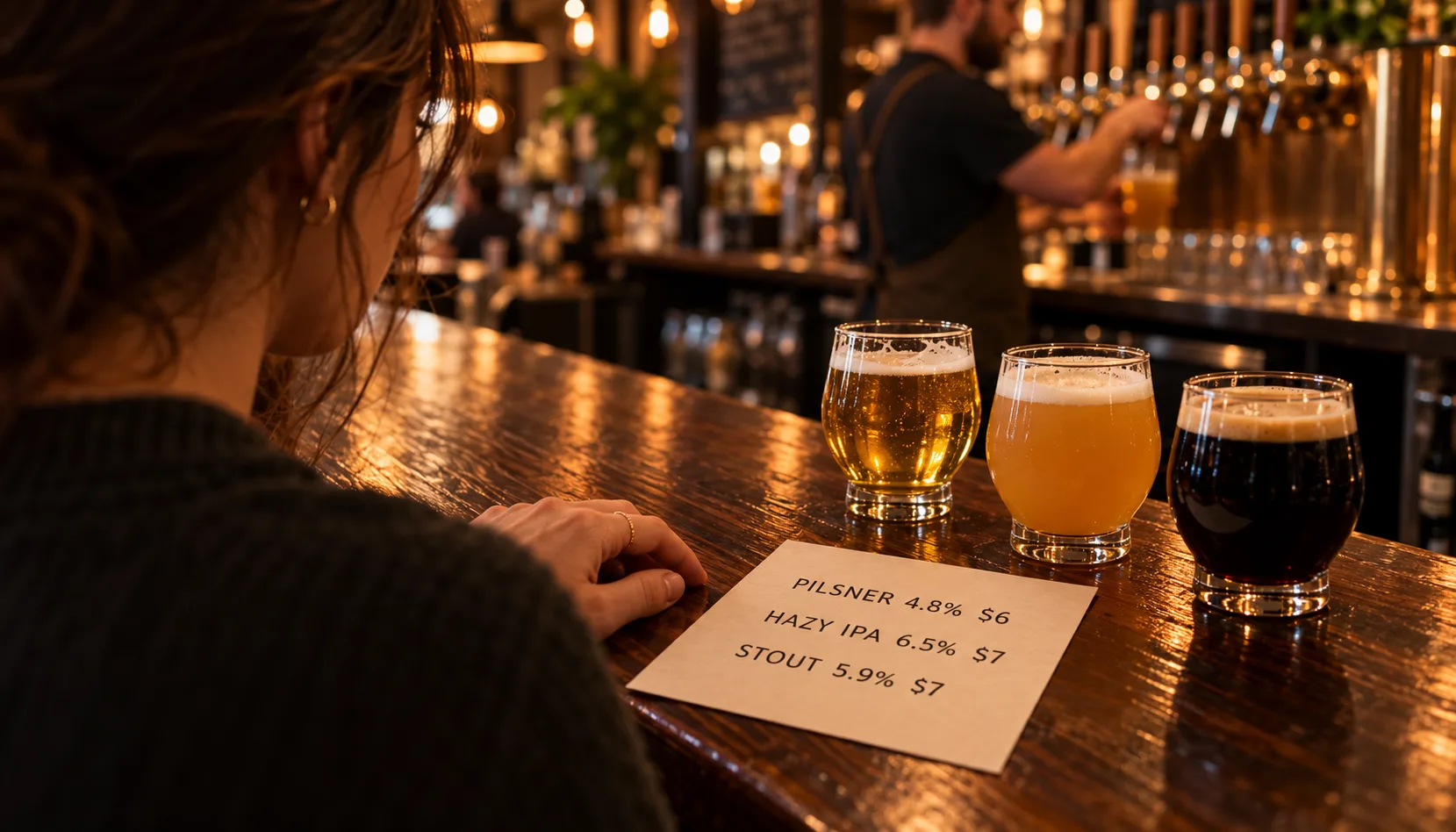
Beer Menu Design: How to Build a Tap List That Sells
Beer menu design for taprooms: fixed rows with five fields, one sort order, flavor words over jargon, print vs TV vs QR, and a 10-step redesign checklist.
Why the Best Brewery Experiences Feel Personal
Guests return to the brewery where someone remembers their pilsner. Why recognition beats any loyalty algorithm, and which parts of it AI can and can't scale.
Want to see this working in your brewery?
Go Pro to see your customers and act on the data — taste profiles, segmented iMessage, SMS + email campaigns, the AI bartender, and the full dashboard. Or book a walkthrough with the brewer who built it. Not ready? Start free, no card.
Just here for the beer? Get the free Barley app