
Automated Marketing for Breweries: What to Automate (and What Not To)
By Brian Winckel · Founder, Brewlytics.ai
Short Answer
Automated marketing for breweries means letting software send the right message on a trigger — a new release, an approaching package date, a lapsed customer, a milestone — instead of you remembering to send it. The automations worth running are the taste-matched release alert (start here), the freshness/package-date move, the lapsed-customer winback, a welcome series, and milestone recognition. Keep the human stuff human: bad-review responses, VIP outreach, apologies. The important distinction is trigger-based automation (fires on a real event) versus scheduled blasts (same email every Tuesday) — the former is far more relevant. Roll it out one automation at a time.
Barley's Take
Automation should make your brewery feel more attentive, not more robotic. Automate the trigger and the targeting; keep the voice human. If an automated text makes a regular think 'oh nice, they know I love this' — you did it right. If it makes them think 'unsubscribe' — you automated a blast, not a relationship.
Why This Matters for Breweries
Nobody running a taproom has time to hand-write a message to every customer who'd love the beer they just tapped. So most breweries do one of two things: nothing, or a blast to the whole list. Both leave money on the bar.
Automated marketing is the middle path — and the leverage a small brewery needs. It lets software send the right message the moment something happens, so the release alert goes out when the keg is tapped, the winback reaches the customer who drifted away, and none of it depends on you remembering on a busy Friday.
But automation done wrong makes a brewery sound like a robot and teaches customers to tune you out. This playbook covers what's worth automating, what to keep human, and how to roll it out without becoming spam.
What "Marketing Automation" Means for a Brewery
The core distinction is triggers versus schedules.
- A schedule sends the same message at a set time — the Tuesday newsletter, whether or not there's a reason. Customers learn the rhythm and start ignoring it.
- A trigger fires on a real event — a new beer is tapped, a customer hits 60 days without a visit, a package date approaches. There's always a reason behind the message, which is exactly why it gets read.
Automation isn't about sending more. It's about sending the right thing at the right moment, without the manual work — and trigger-based automation is what makes that relevance possible at scale.
The Automations Worth Running
Each of these fires on an event, targets a specific group, and carries a message with a reason. In rough order of return:
1. The taste-matched new-release alert
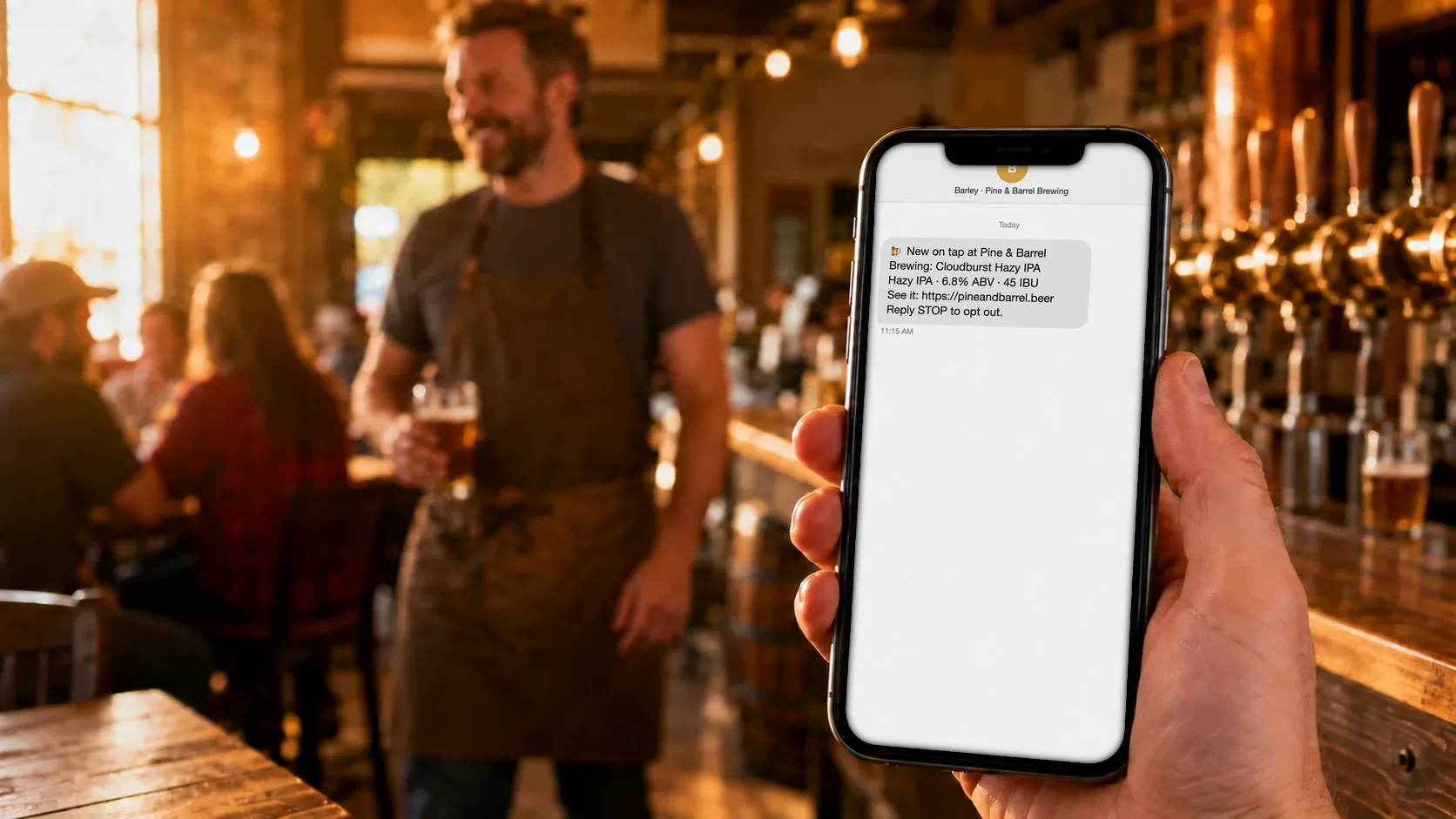
Trigger: a new beer hits the tap list. Who: the segment whose taste matches it. Message: "This just tapped, it's exactly your lane, and it's fresh right now." This is the highest-return automation a brewery can run — it reaches people with something they actively want, the moment it's available.
2. The package-date / freshness move
Trigger: a beer approaches the edge of its freshness window. Who: customers who like that style. Message: a nudge to grab it at peak. It moves inventory while it's still great and reinforces that your brewery cares about freshness.
3. The lapsed-customer winback
Trigger: a customer hasn't visited in X days. Who: them, individually. Message: a taste-matched reason to return — "your favorite style is back on tap" — not a generic "we miss you." Winning back a past regular is cheaper than finding a new one.
4. The welcome series
Trigger: a new customer joins your list or app. Who: the newcomer. Message: a short, friendly intro — who you are, what to try first, how to hear about the good stuff. First impressions set the whole relationship.
5. Milestone and birthday recognition
Trigger: a 10th visit, a membership anniversary, a birthday. Who: that customer. Message: recognition that feels personal. These are small, cheap, and disproportionately loved — the automated version of a bartender remembering your name.
What NOT to Automate
Automation is for the repetitive, high-volume, low-judgment work. Some things should always come from a human:
- Responses to negative reviews. A templated reply reads as a shrug. Reputation moments need a real person.
- VIP and mug-club outreach. Your best customers can tell a blast from a genuine note. Keep those personal.
- Apologies and problem-solving. Anything involving a mistake or an upset customer needs empathy, not a workflow.
- Sensitive or one-off invitations. A hand-picked guest list for a special event lands better hand-sent.
The rule of thumb: automate the trigger and the targeting; keep the voice human. If a message needs to sound like someone who cares, a someone should send it.
How to Sequence It
Don't switch everything on at once — you'll create noise and lose the thread of what's working. Crawl, walk, run:
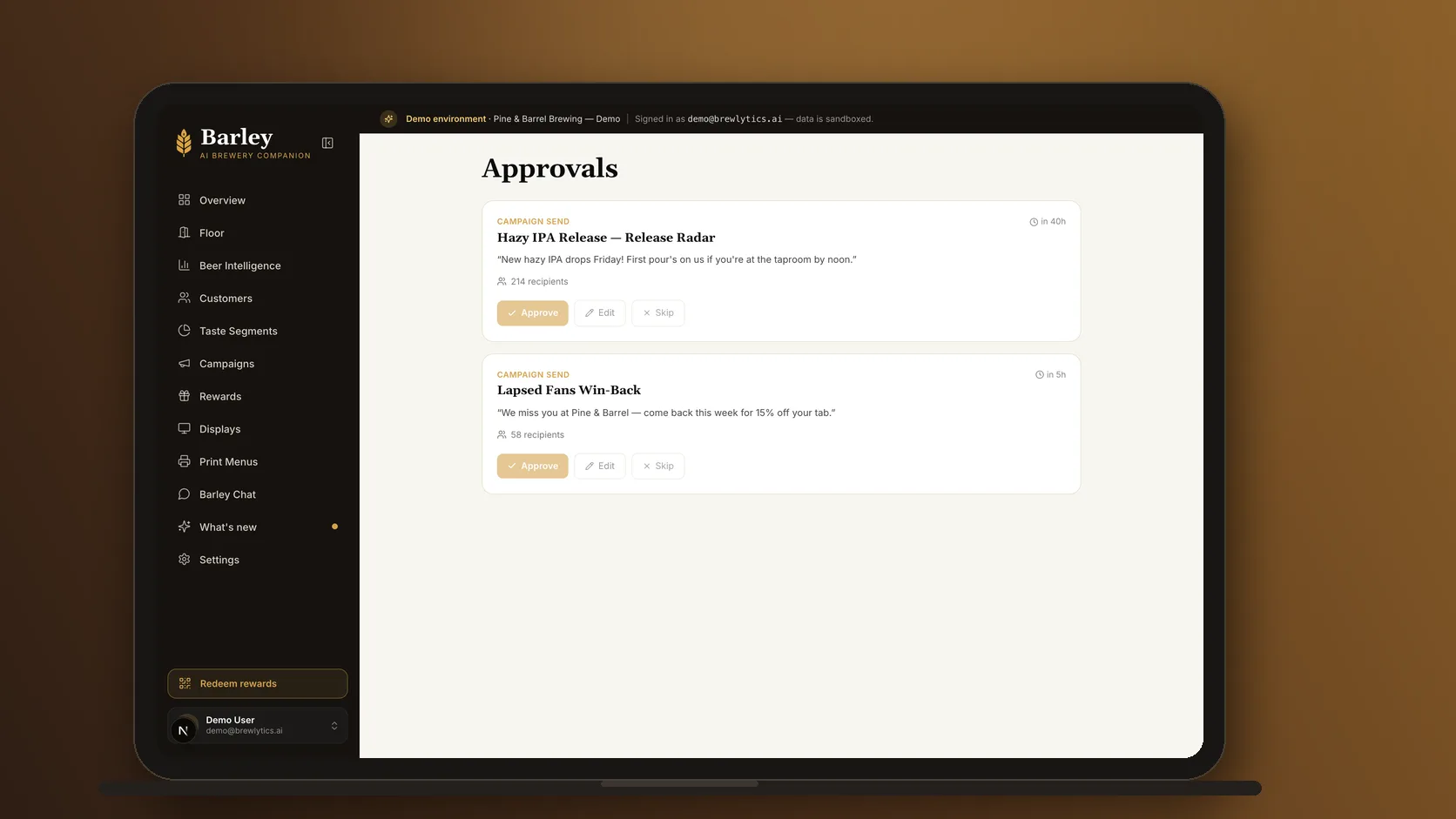
- Crawl: turn on the new-release alert. Get the targeting and tone right on the one automation with the highest return.
- Walk: add the welcome series and the lapsed-customer winback. Now you're capturing new customers and re-engaging old ones automatically.
- Run: layer in freshness moves and milestone recognition, and start measuring which automations actually drive visits.
Each step should earn its place before you add the next — measure whether one automation actually drives visits before you layer on another.
How Brewlytics Helps
Brewlytics runs these automations on taste, so they're relevant instead of robotic:
- Customer Taste Profiles power the targeting — the "who" behind every automation is a real taste match, not just "everyone on the list." (See how →)
- Barley, the AI bartender, delivers automated recommendations and alerts in a human voice over SMS and chat, so an automation reads like a text from a friend. (What is an AI bartender? →)
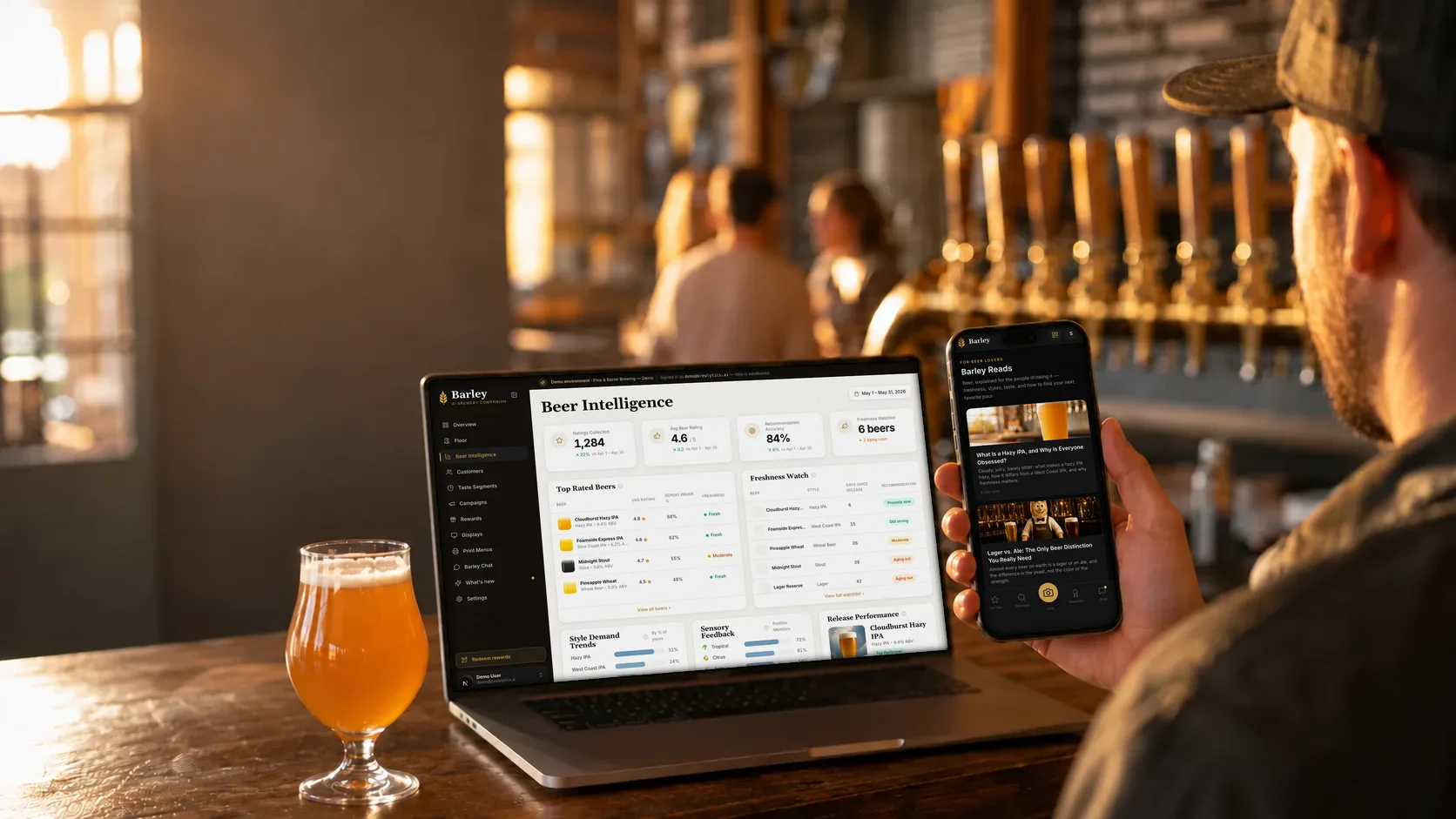
- Trigger-based release and freshness alerts fire on real events — a new beer tapped, a package date approaching — to the exact customers who'll care.
It sits on top of your existing POS, so the automations run on the data you already have. Automation is one layer of the bigger picture — see AI marketing for breweries: the complete marketing stack for how it fits with the rest, or start broad with the complete brewery marketing guide.
FAQ
(See the schema-ready FAQ block at the end of the page — it covers what brewery marketing automation is, what to automate first, what not to automate, whether it's impersonal, whether you need AI, and how it differs from scheduling emails.)
Ready to put your brewery marketing on autopilot — the right way?
Automation should make your brewery feel more attentive, not less human. Automate the repetitive outreach, keep the personal moments personal, and start with the one play that returns the most: the taste-matched release alert.
See what automated, taste-matched marketing would look like on your own tap list: book a demo, or read the full AI marketing stack for breweries.
Frequently asked questions
Keep reading
AI Marketing for Breweries: The Complete Marketing Stack
Brewery marketing is moving from mass blasts to AI that knows what each customer drinks. What AI marketing for breweries means — and the stack behind it.
Why Brewery Email Blasts Don't Work Like They Used To
Email open rates collapsed, Instagram reach is a rounding error, and the Tuesday newsletter doesn't move pints. Here's what's replacing broadcast blasts.
The Future of Brewery Customer Engagement Is Personalized
Craft beer marketing is moving from blasts and segments to one guest at a time. What identity-aware personalization looks like, and where it turns creepy.
Want to see this working in your brewery?
Go Pro to see your customers and act on the data — taste profiles, segmented iMessage, SMS + email campaigns, the AI bartender, and the full dashboard. Or book a walkthrough with the brewer who built it. Not ready? Start free, no card.
Just here for the beer? Get the free Barley app