
Google Business Profile for Breweries: The Complete Setup
By Brian Winckel · Founder, Brewlytics.ai
Short Answer
Claim and verify the profile, then choose Brewery (or Brewpub if you are a restaurant that brews) as your one category, keep regular and holiday hours exact, link your tap list or menu, and upload real photos. Post weekly about events and news, not beer prices, because Google's policy bars alcohol deals. Reply to every review, since Google lists replies as one of the things that help local ranking.
Barley's Take
Half the people who find you on Google just want to know if you're open. Get the hours right before you get clever.
Someone in a hotel room types "breweries near me." Before they ever see your website, Google shows them three businesses on a map, each with hours, a star rating and a few photos. If your profile still says you close at 9 on a Friday when you're pouring until 11, or the top photo is a blurry shot of an empty brite tank from 2022, they pick the place down the road.
Your Google Business Profile is the listing behind that map box. This guide walks through setting it up for a brewery, using only features Google documents in its own Business Profile Help. We checked every step against those pages on November 15, 2026. Google renames menus often, so if a button has moved, the setting will still be there under Edit profile.
Why This Matters for Breweries
A brewery profile works harder than most. People check it for hours, for whether dogs or kids are allowed, for what's on tap tonight and for directions to a taproom that's often tucked into an industrial park. Every one of those answers lives on the profile, or should.
It also feeds more than the map. Google says local results are based on three things: relevance (how well the profile matches the search), distance (how far you are from the searcher) and prominence (how well known you are, helped by reviews and links from other sites). Google is also clear that there's no way to request or pay for a better local ranking. You can't move your building, so the work is relevance and prominence.
And AI answers now lean on it. Google has been replacing the old Questions and Answers section with Ask Maps, a Gemini feature that answers questions about a place from its profile information, its reviews and its website. A profile with real details gives that feature something true to say.
How It Works
1. Claim, verify and get the basics exact
Verify the profile first. Google lists verification as the first step to better local ranking, and photos don't appear until the business is verified. Then get the name, address, phone and website exactly as they appear on your signage and site. Use your real name, not "Quarry Hill Brewing Best IPA Taproom." Google's guidelines treat keywords in the name as a violation, and it's the fastest way to get a profile suspended.
2. Pick the right category
Google's rule is to choose the fewest categories that describe your core business, as specific as possible, so the category completes the sentence "this business is a," not "this business has a."
| If you are... | Primary category | Notes |
|---|---|---|
| A production brewery with a taproom | Brewery | The most common case |
| A restaurant with a full kitchen that brews its own beer | Brewpub | Food is the main business |
| A taproom or bar that pours other people's beer | Bar (or a more specific bar type) | Don't pick Brewery if you don't brew |
Don't add categories for things you have rather than are. A food truck on the patio is an attribute or a post, not a Restaurant category. Google adds the broader categories behind the scenes.
3. Hours, including holiday hours
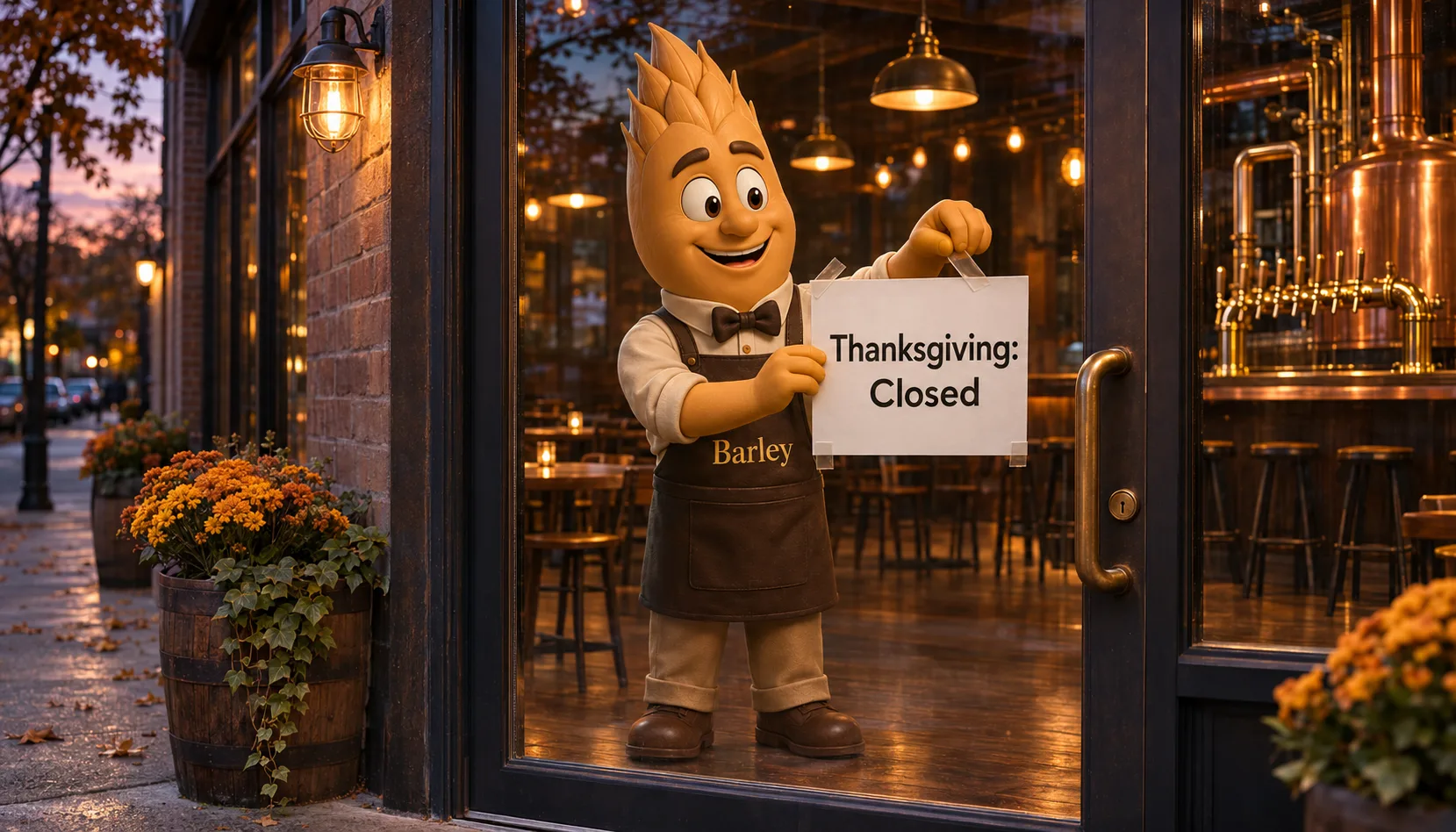
Set your regular hours, then use Special hours for holidays and one-off changes: Edit profile, Hours, then edit next to Special hours, pick the date and set the hours or mark it closed. Special hours only show if your main hours are set to "Open with main hours." Google also has More hours for things like kitchen hours or happy hour times that differ from the taproom. Add holiday dates a few weeks out, before people start planning.
4. Tap list and menu
Google's menu editor is for food and drink businesses. You can build sections and items in the editor, upload a photo or PDF under photos of the menu, or add a menu link to a page on your own site. For a brewery, the link is usually the right call: point it at a tap list page on your website that you actually update. Google asks that menus list everything available, not a "popular items" excerpt, and the link can't go straight to a third-party ordering service.
5. Attributes
Attributes are the yes or no details: outdoor seating, Wi-Fi, wheelchair-accessible entrance and restrooms, payment types, and identity options such as veteran-owned or women-owned. Set them under Edit profile, then More. Google says they can help you appear in searches for places with those features, so fill in every one that's true. Some attributes are filled in from customer visits, so check them now and then.
6. Photos
Use real photos only: the bar, the patio, the beer in the glass, the front door so first-timers can find it. Google asks for sharp, well-lit JPG or PNG files between 10 KB and 5 MB, recommends 720 by 720 pixels, and warns against heavy filters or AI-generated or AI-altered images. Swap in new ones as the taps and the seasons change.
7. Posts, without breaking the alcohol rules
Google offers three post types: Updates, Offers and Events. Posts older than six months are archived unless they have a date range. One rule matters more for breweries than for anyone else: Google's restricted-content policy covers alcohol and says content shouldn't show promotional offers, deals, coupons or pricing for it, or link to a page where it can be bought. So a "$5 pints all night" Offer is out. A Thursday trivia Event, a release announced as news, a food truck schedule and holiday hours as an Update are all fine.
8. Reviews and replies
Google lists responding to reviews as a way to improve local ranking. The reviewer is notified when you reply, and they can still edit their review afterward. Reply to the good ones with something specific, and to the bad ones calmly and briefly. If a review breaks Google's rules, our guide on getting a bad Google review removed covers how to report it.
Example Brewery Scenario
Quarry Hill Brewing (fictional) runs a 7-barrel brewhouse and a 14-tap taproom in a converted auto shop, with Square at the bar and a food truck most weekends. Their profile was claimed years ago by a former manager and had gone quiet.
In one afternoon, the owner got manager access back and verified the profile. The category was Bar, which undersold a brewery, so they switched it to Brewery. The hours were still summer hours, so they set winter hours and added Special hours for Thanksgiving, Christmas Eve and New Year's Day. The menu link pointed to an old PDF, so they linked the tap list page on their site instead. They set outdoor seating, dogs allowed and wheelchair access, all true.
Then they set a rhythm. Every Monday, the taproom manager adds two or three new photos from the weekend and one post: Thursday trivia as an Event, the Friday food truck as an Update. When the Cold IPA went on, they announced it as news with a photo of the pour and no price. Every review gets a reply within a couple of days. The profile's performance view shows them calls, direction requests and website clicks, so they can see whether people are using it.
Practical Checklist
- Confirm you, the owner, hold the Business Profile, and that the profile is verified.
- Check the name, address, phone and website match your signage and site exactly.
- Set one primary category that completes "this business is a."
- Add Special hours for every holiday through New Year's now.
- Point the menu link at a tap list page you keep current.
- Fill in every attribute that's true, including accessibility.
- Upload five real, recent photos, including the front door and the parking.
- Schedule one post a week: an event, a release as news, or an hours update. No beer prices.
- Reply to every review from the last 90 days.
- Write the answers people ask for (dogs, kids, food, parking) on your website, where Ask Maps can find them.
How Brewlytics Helps
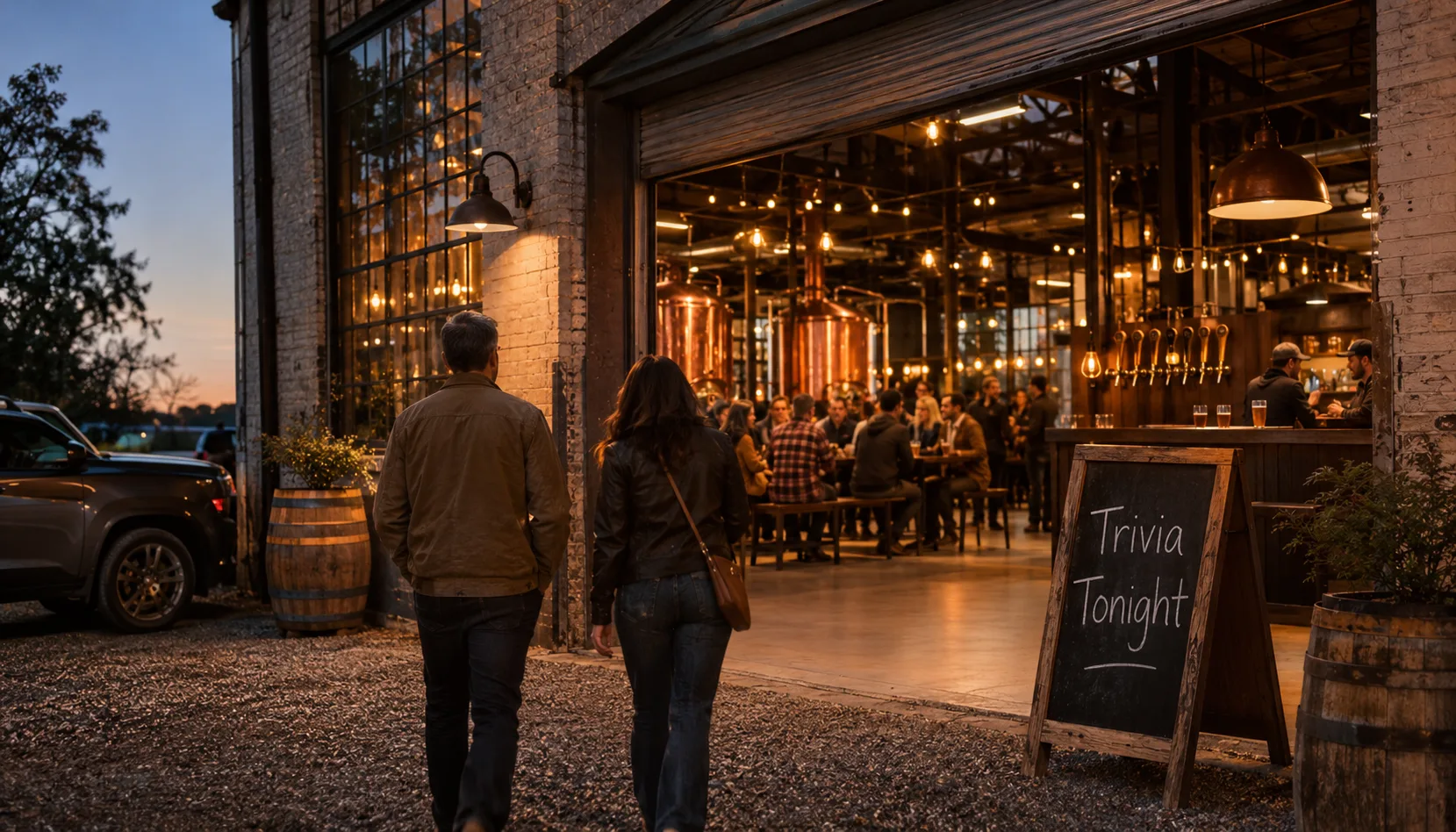
A Google profile gets someone to the door. Brewlytics is about what happens after they've been in once, and whether the next visit feels personal.
Brewlytics Pro reads your Square sales and builds customer taste profiles, so you know which regulars drink stouts and which ones only come for the IPA releases. Campaign automation then sends the release text, the trivia reminder or the win-back message to the right people on a schedule, which is the part a Google post can't do.
If keeping the profile current is the part that keeps slipping, Growth is the done-for-you version: Brewlytics Pro plus a daily post on up to four social accounts with engagement, text and email campaigns written and sent for you, website SEO and GEO, and Google Business upkeep. It costs $1,299 a month plus a $500 setup, with a 3-month minimum, and your first 1,000 active customers are included. The brewery marketing guide covers how the profile fits with everything else, and our post on slow taproom nights covers filling the quiet ones.
FAQ
See the schema-ready FAQ block at the end of the page for the full set.
Ready to Fill the Taproom?
Fix the hours this week and the rest can follow. If you want a second pair of eyes, book a 20-minute call and we'll go through your profile with you, or see how Brewlytics works for breweries.
Frequently asked questions
Related Brewlytics Feature
Campaign Automation
Taste-segmented iMessage, SMS + email that runs itself once it's wired up.
See how it works →Keep reading
Brewery Private Events: How to Price, Book and Fill Your Event Space
Four ways real breweries price private events, plus deposits, contracts, a one-page events menu and one shared calendar so parties never surprise the bar.
25 Brewery Event Ideas That Actually Drive Revenue (Not Just Foot Traffic)
25 brewery event ideas by type — weekly recurring, release, community, education, and data-driven — plus how to promote them and measure what worked.
Your Taproom Is Slow — 7 Things You Can Do This Week
Slow days happen to every brewery. Don't panic — and don't just wait it out. Seven tactical moves you can make this week to get people through the door.
Want to see this working in your brewery?
Go Pro to see your customers and act on the data — taste profiles, segmented iMessage, SMS + email campaigns, the AI bartender, and the full dashboard. Or book a walkthrough with the brewer who built it. Not ready? Start free, no card.
Just here for the beer? Get the free Barley app